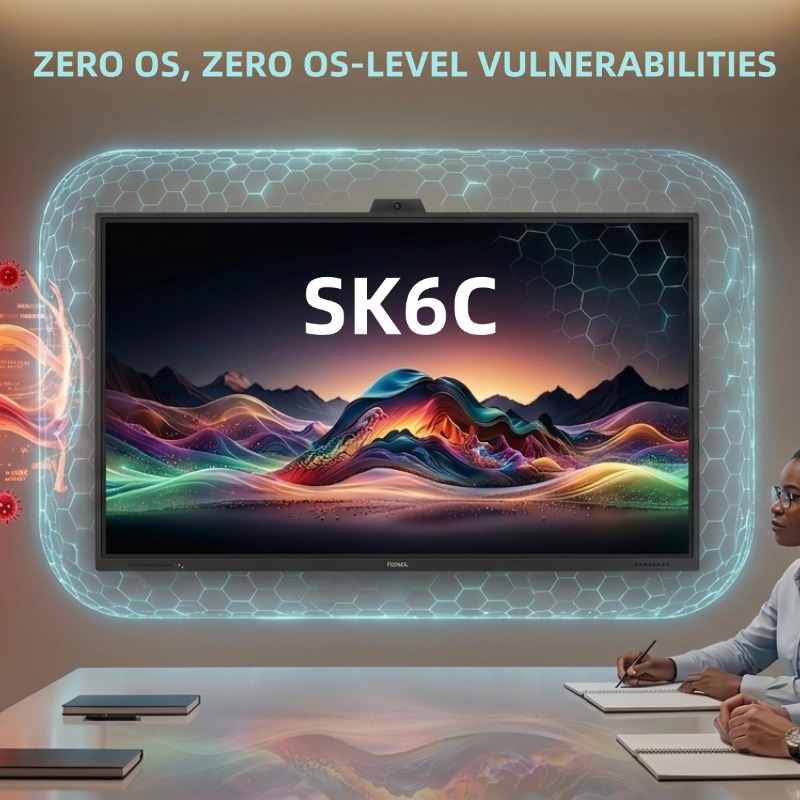
Zero OS, Zero OS-Level Vulnerabilities: How Non-OS Architecture Protects Corporate Networks from Meeting Room Security Risks
Sep 01, 2026
Meeting rooms are increasingly becoming a subtle backdoor into modern enterprise networks. As corporate spaces adopt Android- or Windows-based smart interactive displays, IT departments face a growing, unmanaged attack surface: unpatched operating systems, unauthorized third-party apps, and rogue USB attachments connected directly to internal subnets.
The PRIMA SK6C Interactive Display flips this security paradigm on its head. Built on a native Non-OS architecture, the SK6C eliminates OS-level vulnerabilities at the physical layer while drastically reducing IT maintenance overhead. Here is how a pure, display-first approach safeguards corporate data and simplifies enterprise IT management.
1. Eliminating the Attack Surface: Zero OS Means Zero OS-Level Vulnerabilities
Smart displays running embedded operating systems require constant software management. Unpatched OS vulnerabilities, outdated third-party applications, and unauthorized app sideloading expose corporate networks to malware, ransomware, and unauthorized data exfiltration.
No OS-Level Exposure: Without an integrated Android or Windows operating system, the PRIMA SK6C has no local file system, no app store, and no background services for malicious actors to exploit.
Immune to Local OS Malware: Physical access via USB ports or rogue peripherals cannot execute unauthorized OS scripts or compromise the display hardware.
Network Isolation by Design: The SK6C functions as a pure visual and interactive terminal, ensuring a minimal persistent footprint on corporate subnets.
2. Eliminating IT Overhead: Minimal IT Maintenance Infrastructure
For enterprise IT teams managing dozens—or hundreds—of meeting rooms across regional offices, maintaining smart hardware displays quickly becomes an operational burden.
No Firmware Patching Cycles: IT managers no longer need to schedule periodic software updates, coordinate system restarts, or troubleshoot broken app updates before critical board meetings.
Zero Security Audit Friction: Non-OS hardware bypasses complex corporate software compliance reviews and endpoint protection agent installations.
Plug-and-Play Reliability: Presenters simply plug in their secure corporate laptops or media players. The display works immediately without user authentication delays or software crashes.
3. Modular Future-Proofing: Compute Only When You Need It
Choosing a Non-OS architecture does not mean sacrificing smart capabilities when your enterprise requirements evolve.
Rear OPS Slot Integration: Need dedicated computing power down the road? Slide a certified Windows or Android Open Pluggable Specification (OPS) module directly into the rear slot.
Contained Risk Management: By isolating the computing unit to a swappable OPS module, IT retains full control over endpoint encryption, network policies, and hardware updates without replacing the entire screen panel.
PRIMA SK6C ARCHITECTURE SPECIFICATIONS
System Architecture: Native Non-OS (Pure Commercial Display Panel)
Security Profile: Zero OS-Level Vulnerabilities | No Local App Installation | Minimized Attack Surface
Visual Performance: 4K UHD ($3840 \times 2160$) | 400 cd/m² Commercial Brightness
Contrast Ratio: Up to 4000:1 | 178° Ultra-Wide Viewing Angle
Touch & Audio: 50-Point IR Touch ($\ge 2.5\text{mm}$ Fine Pen Recognition) | Dual 15W Forward-Firing Speakers
Modular Upgrade: Integrated Standard 80-Pin OPS Slot (Supports Optional Windows/Android Modules)
Maintenance Profile: Zero OS-Level Patching | Minimal IT Maintenance Overhead
Frequently Asked Questions (FAQ)
Q1: Why is a Non-OS display safer for corporate IT networks than a traditional smart interactive display?
A1: Traditional smart displays run complex operating systems that require continuous patch management and security monitoring. A Non-OS display contains no local operating system, web browser, or app environment, effectively eliminating OS-level software vulnerabilities, unauthorized app execution, and local malware persistence.
Q2: How does the SK6C handle presentations if it has no built-in operating system?
A2: The PRIMA SK6C operates as an ultra-responsive, plug-and-play interactive terminal. Users connect their laptops, mini PCs, or wireless presentation devices directly via HDMI, DisplayPort, or USB-C. The display instantly routes 4K visuals, audio, and touch feedback directly to the host device with minimal software setup.
Q3: Can our IT department still enforce central control or add smart features later?
A3: Yes. The SK6C features an integrated 80-pin OPS slot on the rear panel. IT teams can slide in a managed corporate Windows or Android OPS module that complies fully with internal endpoint security policies, domain controls, and antivirus standards.
Read More
 Web
Web





 IPv6 network supported