What Are You Looking For?
 Web
Web
 Web
Web
In modern enterprise meeting rooms and executive boardrooms, technology is supposed to facilitate collaboration, not delay it. Yet IT directors and facilities managers frequently face the same frustrating scenario: meeting attendees struggling with embedded OS software updates, system crashes, network security pop-ups, or complicated login procedures just to present a few slides.
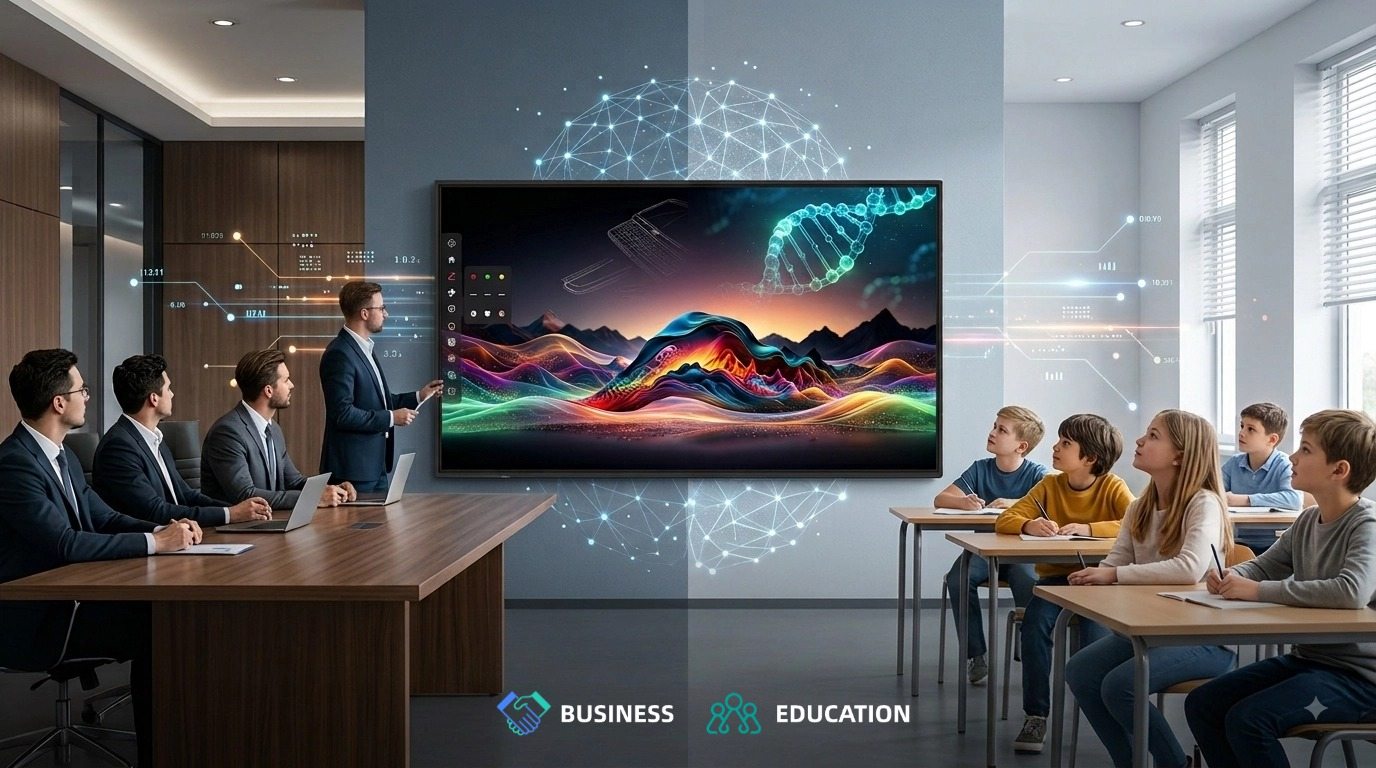
The PRIMA SK6C Series introduces a refreshing, commercial-grade alternative: a high-performance Non-OS (Plug & Play) Interactive Flat Panel.
Engineered for friction-free collaboration, the SK6C combines premium 4K optics, 50-point precision touch, instant connectivity, and minimal software maintenance overhead. It delivers immediate Return on Investment (ROI) while offering the flexibility to adapt as corporate needs evolve.
Unlike traditional "smart boards" burdened by heavy embedded operating systems that slow down over time, the PRIMA SK6C focuses on doing what a display should do best: delivering flawless visual performance and fluid touch interaction without system overhead.
Traditional Smart Board:
Power On ──► OS Booting ──► Software Updates / Patches ──► Launch App ──► Connect Laptop (2–5 Mins)

PRIMA SK6C Non-OS Display:
Power On ──► Connect Cable ──► Rapid Hardware Activation & Instant Content Sharing
Because the SK6C operates without an underlying operating system to load, it powers up rapidly when turned on. Meetings start smoothly without lengthy system boot bars or frozen apps.
Equipped with full-function USB Type-C and HDMI 2.1 inputs, the SK6C allows presenters to plug in a single cable from their laptop or mobile device. It instantly mirrors 4K video, outputs high-fidelity audio, and passes back touch controls to the host laptop without requiring third-party software drivers.
Even without an OS, the SK6C features built-in hardware-level annotation and whiteboard tools accessible directly from the sidebar:
Sidebar Annotation: Annotate anywhere on the screen at any time, with customizable pen color, stroke width, and opacity controls.
Sidebar Whiteboard: Open and write instantly whenever inspiration strikes, featuring customizable background colors for flexible brainstorming.
From an enterprise IT and security perspective, non-OS commercial displays significantly reduce administrative workload and potential security risks associated with meeting room infrastructure:
Minimized Software Maintenance: With no native operating system running on the display, IT teams eliminate local OS patch management, software crash troubleshooting, and operating system updates.
Reduced Network Vulnerabilities: Smart displays with embedded operating systems can become potential entry points for network threats if unpatched. By operating without a native OS, the SK6C mitigates OS-level software vulnerabilities, helping preserve corporate network integrity.
Exceptional Operational Stability: Removing complex software layers minimizes failure points, ensuring reliable performance across high-density boardroom deployments.
The PRIMA SK6C isn't just low-maintenance; it is a flagship display engineered with uncompromised hardware specifications:
PRIMA SK6C DISPLAY ENGINE
Ultra-Precise 50-Point Touch: Advanced infrared touch technology supports 50 simultaneous touch points with a minimum recognition size of 2.5mm, allowing team members to annotate together with high precision.
Minimalist Aesthetics: A sleek 15mm ultra-slim bezel keeps the visual focus entirely on your content. The "Clean Front" design places ports discretely on the side and a single power button at the bottom to prevent accidental tampering.
Powerful Integrated Audio: Front-mounted 15W x 2 forward-firing speakers deliver clear, room-filling audio for video calls and multimedia presentations without needing external soundbars.
While the SK6C is designed to excel as a pure, low-maintenance non-OS interactive panel, enterprise requirements can change over time. A team might eventually require a dedicated, permanent Windows PC module for Microsoft Teams Rooms or a specialized Android player.
To ensure your investment remains future-proof, the SK6C includes an integrated Standard OPS (Open Pluggable Specification) Slot.
Deploy today as a Non-OS, Low-Maintenance Interactive Panel
Slide in an optional Windows or Android OPS Module at any time to convert the SK6C into an all-in-one computing workstation.
This modular slot serves as an effective safeguard:
Capital Efficiency: Pay only for the non-OS display hardware today.
Seamless Expansion: If dedicated computing requirements arise in the future, simply insert an OPS module into the side slot. No external cables, no extra power bricks, and no need to replace the 4K display panel
The PRIMA SK6C Series demonstrates that interactive displays don't require complex, bug-prone embedded software to be powerful. By prioritizing top-tier 4K optics, fluid touch responsiveness, instant BYOD casting, and minimal software maintenance, the SK6C delivers a dependable collaboration experience that IT departments can rely on and employees love to use.
Invest in robust display hardware today—and enjoy a cleaner, faster, and more secure meeting room experience.
A1: Deploying a Non-OS panel significantly reduces Total Cost of Ownership (TCO) and minimizes network security exposure. Without an integrated operating system, there are no OS-level software updates to manage, no periodic security patches to force, and reduced vulnerability to local malware. It serves as a highly reliable, plug-and-play interactive display for existing laptops, mini PCs, or external media devices with zero OS-level maintenance required.
A2: Absolutely. The PRIMA SK6C features an integrated Open Pluggable Specification (OPS) slot. When your computing requirements evolve, you can simply slide in an optional Windows or Android OPS module into the rear slot without replacing the entire display panel, instantly transforming it into an all-in-one computing workstation.
A3: The 50-point IR touch framework allows multiple users to write, draw, and annotate simultaneously without lag or interference. Combined with a fine-line ≥2.5mm touch recognition size, it supports natural handwriting, precision technical diagramming, and multi-user brainstorming in modern interactive classrooms and corporate boardrooms.




 IPv6 network supported