What Are You Looking For?
 Web

 Web
When deploying commercial displays, digital signage, and interactive flat panels across modern corporate offices, multi-building campuses, retail chains, or transportation hubs, hardware specs are only half the equation. As device counts scale from a handful to hundreds, both IT teams and on-the-ground operational staff face significant challenges: manual software updates, fragmented content distribution, and complex daily display operations.
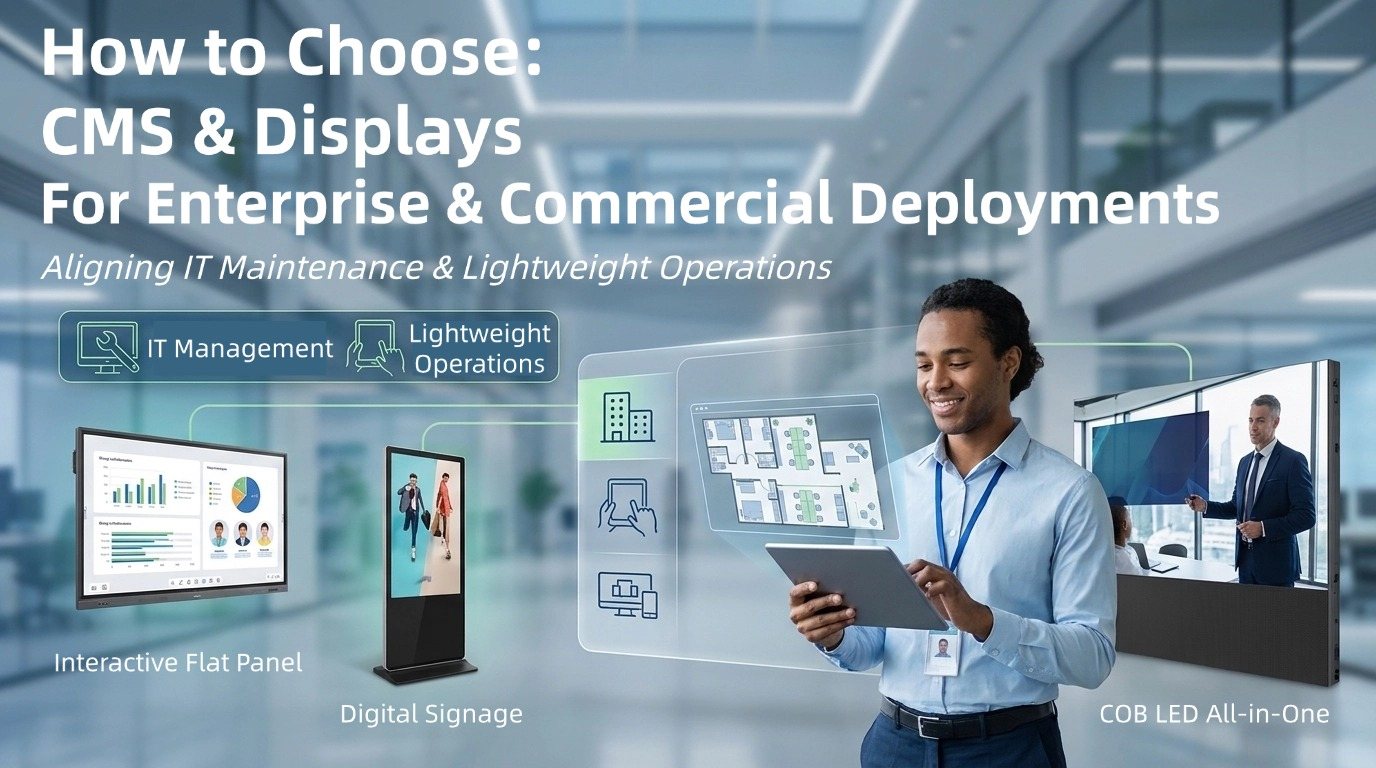
To achieve a seamless management ecosystem, organizations must evaluate both the centralized management software platform and the underlying hardware matrix through the eyes of both IT administrators and everyday business users.
Here are the core priority standards to evaluate when choosing a complete display and software system for your next project.
Traditional CMS platforms list devices as static IP addresses or alphanumeric strings, making it difficult to pinpoint which physical screen requires attention when a hardware or content alert occurs in a large-scale facility.
What to Look For: An interactive CMS platform that allows administrators to upload custom floor plans and architectural blueprints, binding every commercial display visually to its exact building, floor, room, or retail zone.
Why It Matters: Enables IT staff to visually navigate multi-story facilities, view real-time card snapshots of active screens on interactive map hotspots, and perform one-click remote troubleshooting instantly without physical room visits.
PRIMA Ecosystem Advantage: PRIMA CMS features an intuitive Map Space module that reduces fault location and troubleshooting times from hours to seconds across complex multi-screen environments.
A major bottleneck in commercial display management is that non-technical operational staff—such as store managers, showroom guides, or administrative staff—often struggle with complex IT control panels.
What to Look For: A system featuring a dedicated mobile tablet interface (PAD control) where IT configures the backend via drag-and-drop, and operational users get a lightweight, role-based front-end interface.
Why It Matters: Enables true lightweight daily operations. On-the-ground staff can manage zone displays effortlessly via a tablet: switching preset display scenes with one tap (e.g., transitioning a room from "Meeting Mode" to "Presentation Mode"), dragging files directly onto screens for instant wireless casting, and managing local display groups without needing IT intervention.
PRIMA Ecosystem Advantage: PRIMA CMS empowers business users through its Project Hub & Mobile Tablet Management, separating heavy IT maintenance from light, intuitive daily operations.
A powerful CMS software requires robust underlying hardware processing power. Low-tier hardware architecture can cause remote commands, tablet casting, and dynamic content playback to lag or fail during bulk execution.
What to Look For: Displays powered by modern Octa-core chipsets and running enterprise-ready operating systems (such as Android 16) with high memory headroom (8GB RAM + 64GB/128GB ROM) to ensure smooth background service execution and zero-latency touch response.
PRIMA Ecosystem Advantage: Flagship panels like the PRIMA TA Series (powered by A311Y3 and Android 16) and RC Series (featuring QLED local dimming on RK3588) provide the processing stability required for zero-latency remote management.
Commercial display deployments span diverse vertical industries—from classrooms and boardrooms to retail storefronts and executive halls—requiring software and hardware versatility.
What to Look For: A single management platform capable of orchestrating diverse display form factors:
Interactive Flat Panels (IFP): For collaborative smart classrooms and corporate boardrooms.
Digital Signage (DS): For automated multi-store promotional media in Intelligent Retail and passenger guidance in Transportation Hubs.
Ultra-Large Seamless LED Displays: For executive halls, auditoriums, and high-end exhibition spaces.
PRIMA Ecosystem Advantage: PRIMA offers a versatile display matrix including the SA Series (cost-effective IFPs for large tenders), SG Series (commercial signage & video conferencing displays), and the flagship 136" COB LED All-in-One Display for corporate lobbies and exhibition spaces.
When drafting your next RFP or evaluating vendor solutions for enterprise, education, or commercial display projects, use this integrated checklist to evaluate the complete hardware and software ecosystem:
| Evaluation Pillar | Core Capability Benchmark | PRIMA Ecosystem Solution |
| Spatial Mapping (IT Maintenance) | Interactive floorplan uploads, zone binding & hotspot visual control |
PRIMA CMS Map Space Integration |
| Tablet Control (Lightweight Ops) | Drag-and-drop mobile UI, role-based access, 1-tap scene switching |
PRIMA CMS Project Hub (PAD Control) |
| Content Orchestration (Operations) | Multi-format support, drag-and-drop program & calendar scheduling |
PRIMA Content Orchestration Engine |
| Interactive Display / IFP (Hardware) | Octa-core performance, Android 16, 4K anti-glare touch panels | TA Series (A311Y3) / RC Series (RK3588) |
| Budget & Tender IFP (Hardware) | Streamlined backplate, high-tier hardware with optimized ROI | SA Series Interactive Panels |
| Commercial Digital Signage (Hardware) | Ultra-slim equal bezels, landscape/portrait switching for retail/hubs | SG Series Commercial Displays |
| Ultra-Large Premium Display (Hardware) | 136" seamless Chip-on-Board (COB) LED with RK3588 architecture | 136" COB LED All-in-One Display |
Choosing an integrated commercial display platform ensures your project delivers seamless IT control, intuitive operational management, and high hardware reliability across any commercial facility.
Explore Full Specifications: Visit our official website to discover the PRIMA CMS All-in-One Intelligent Management Platform and explore our interactive display lineup.
Schedule a Live Consultation: Contact our B2B team today to request a private virtual demo, OEM/ODM software customization details, or sample evaluation units.




 IPv6 network supported