What Are You Looking For?
 Web
Web
 Web
Web
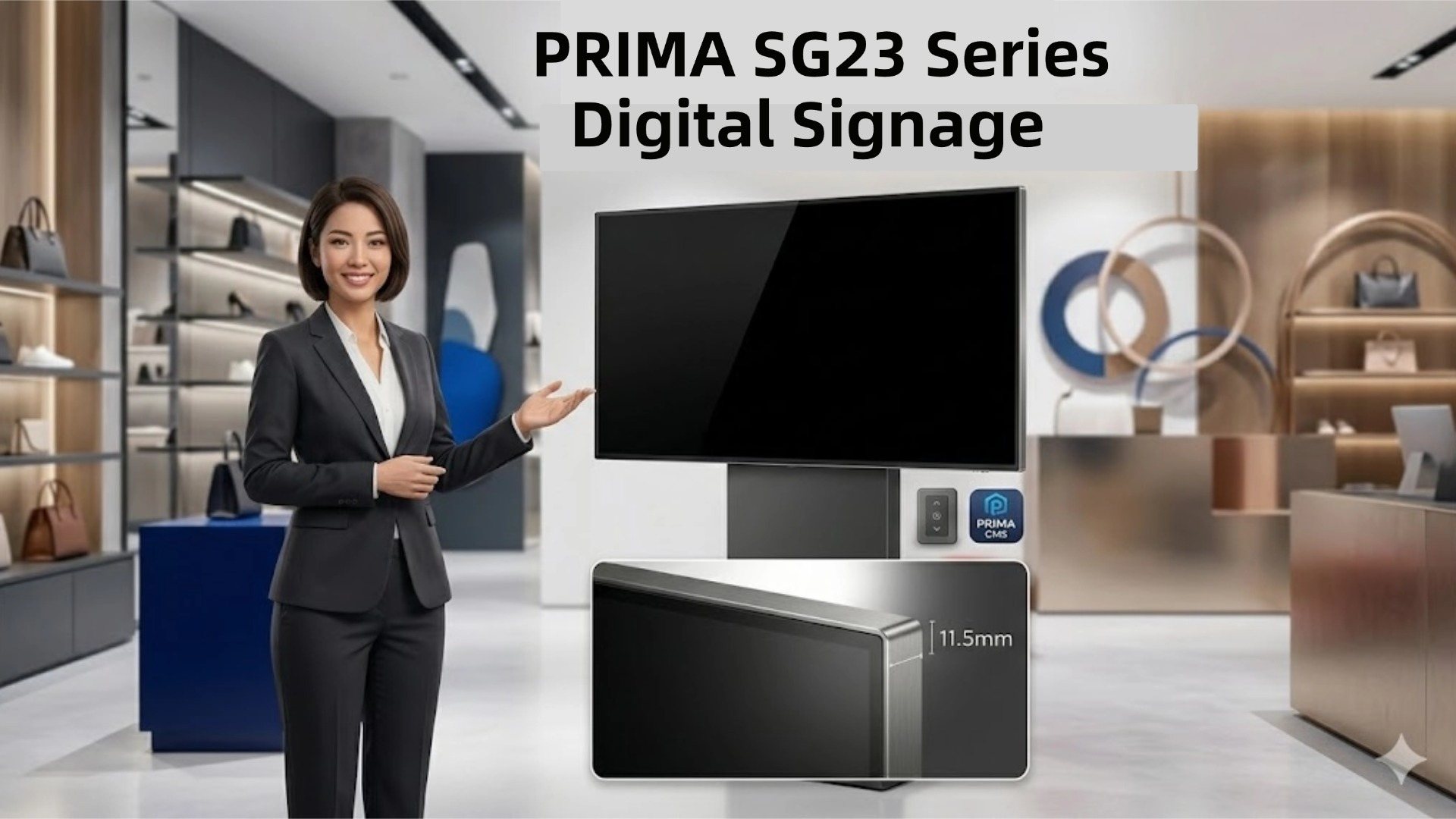
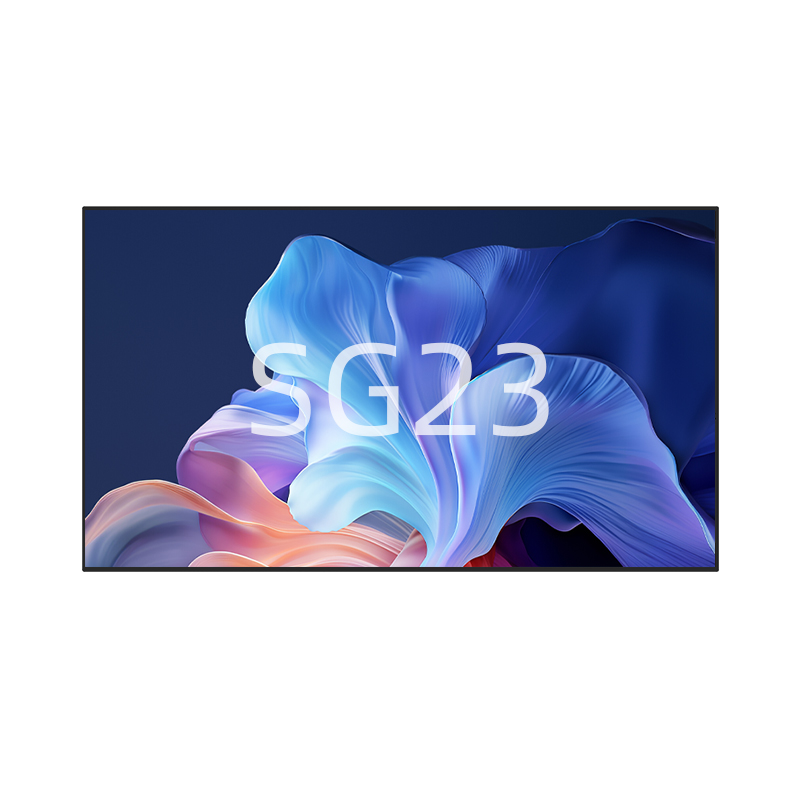
Watch our latest product showcase to see the PRIMA SG23 in action. This video highlights the sleek 11.5mm equal-bezel design, powerful Android 14 performance, and seamless remote management via the PRIMA CMS platform, tailored for global commercial needs. K...
Read More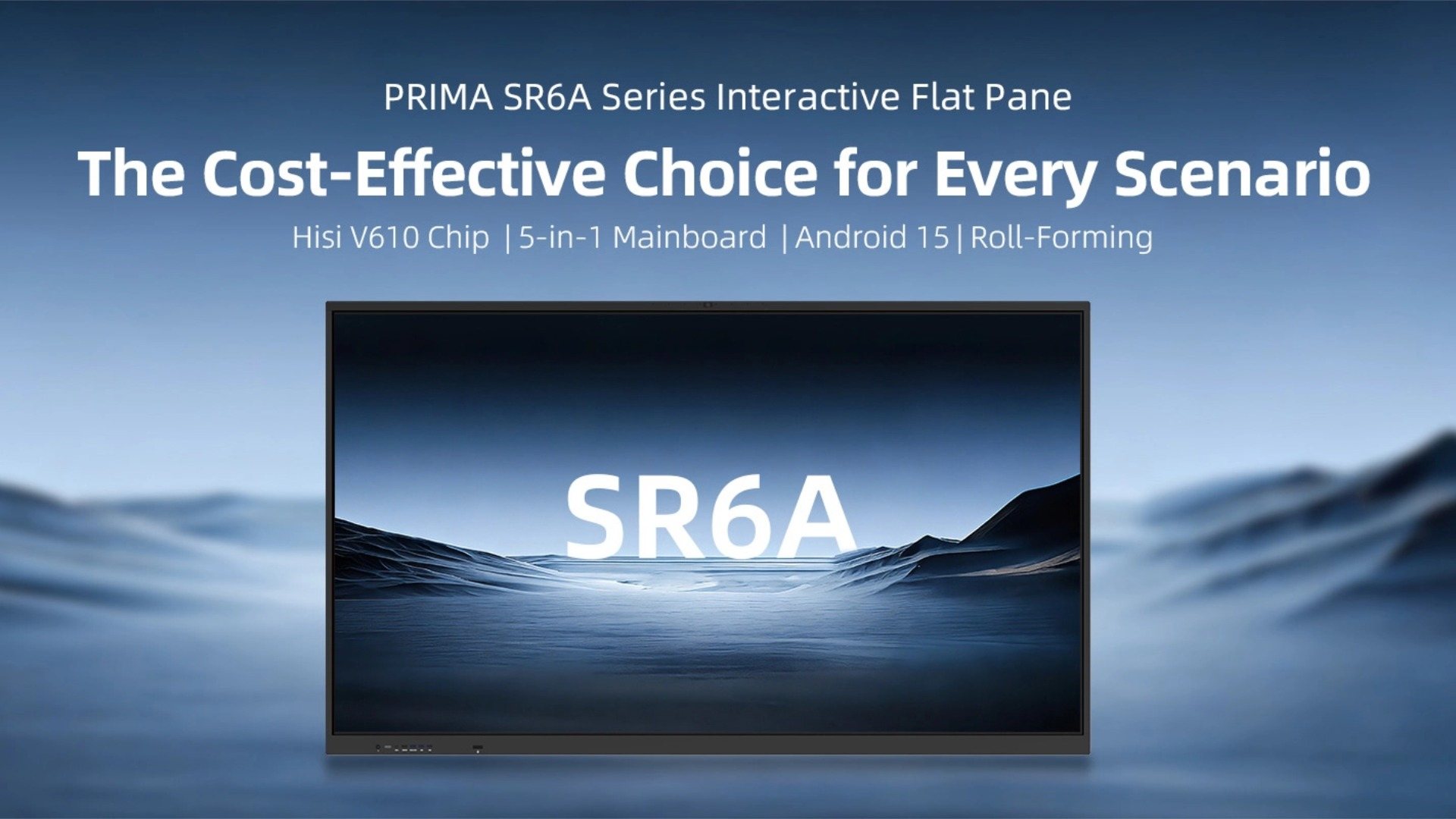
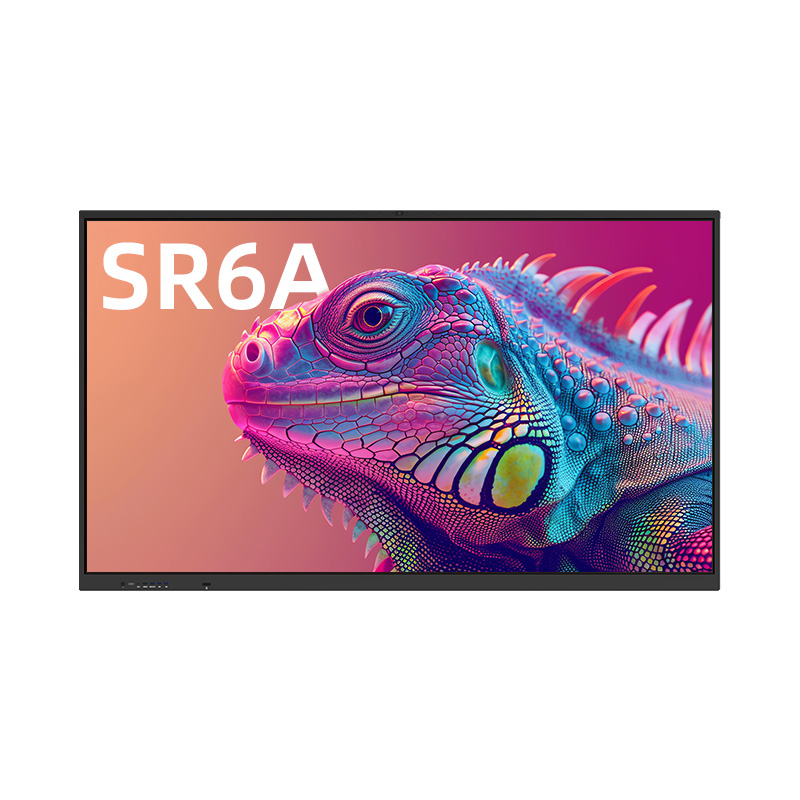
Discover the Next-Gen Performance of PRIMA SR6A Series The PRIMA SR6A Series is engineered to provide an optimal balance between high performance and cost-efficiency. Powered by the high-performance HiSi V610 chipset and running on the latest Android 15 system, the SR6A is the ideal i...
Read More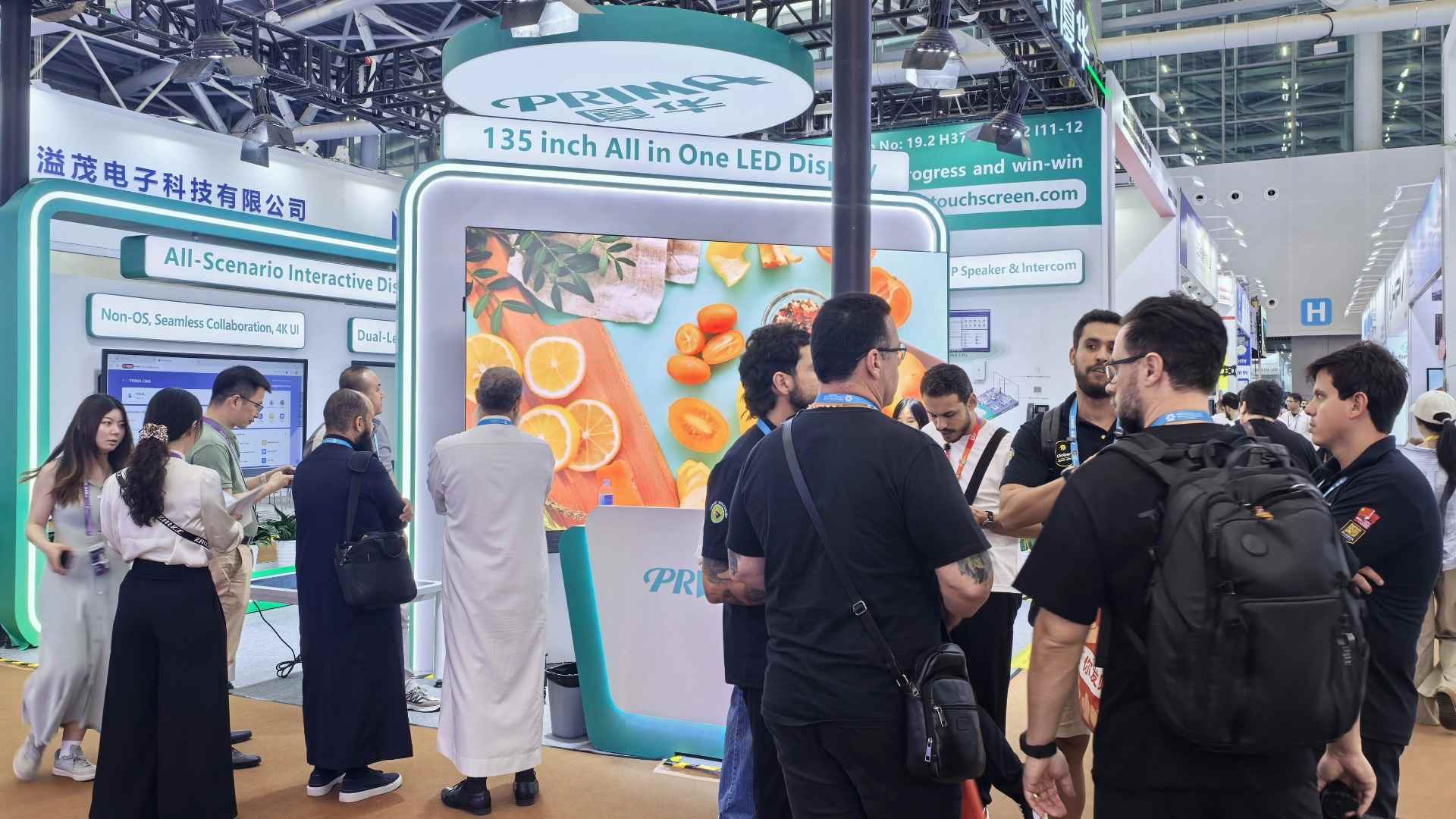
Experience the highlights of PRIMA at the 139th Canton Fair. This video showcases our commitment to HW & SW integration, featuring our latest innovations for corporate, education, and public spaces. Featured Solutions in this Video: 135" All-in-One LED Displ...
Read More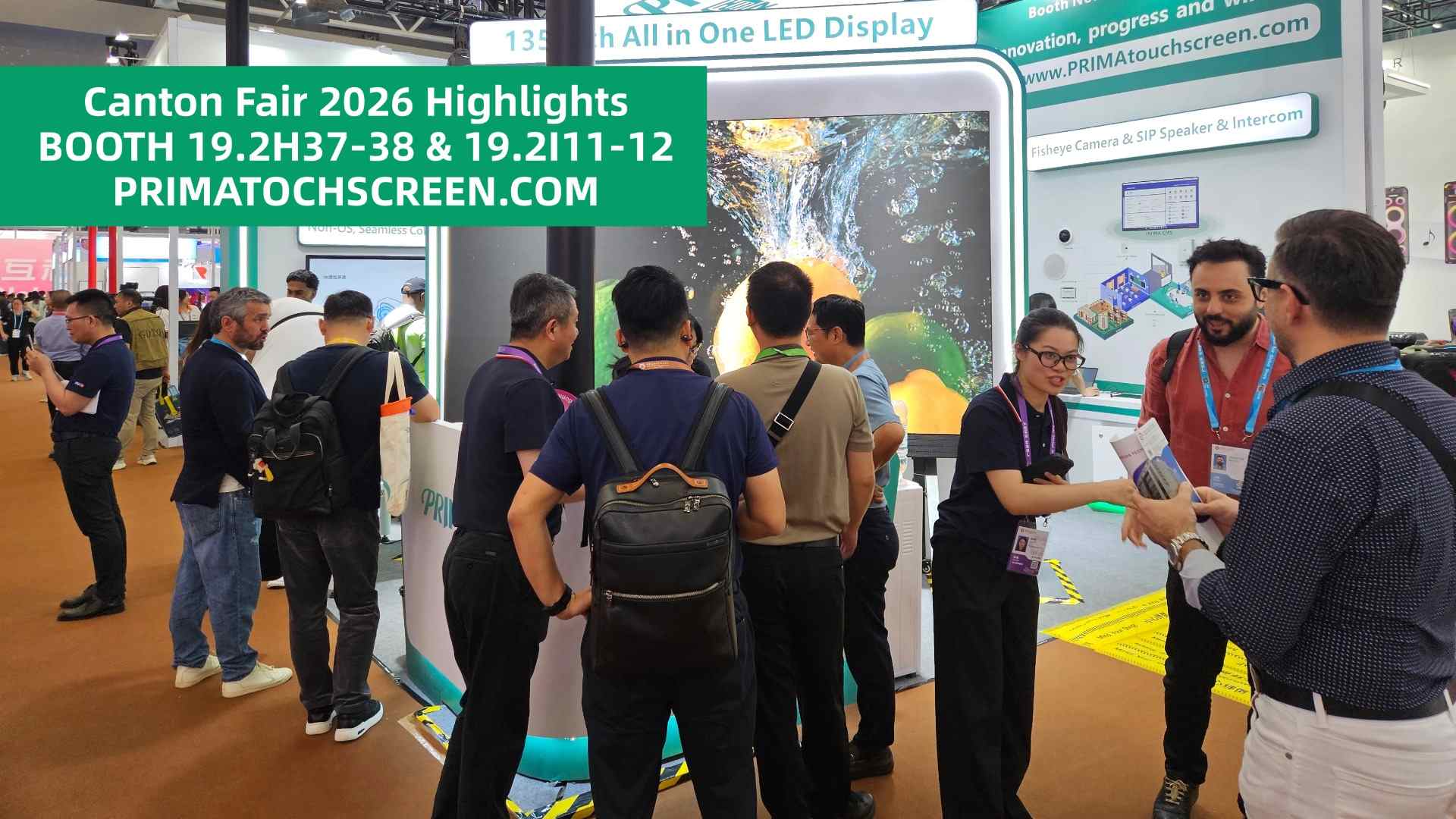
Take a deep dive into the PRIMA exhibition experience at the 139th Canton Fair! This video highlights our commitment to manufacturing excellence and technological innovation. What’s Inside: 🎬 Massive Scale: The 135" All-in-One LED in action. 🎬 AI Intelligenc...
Read More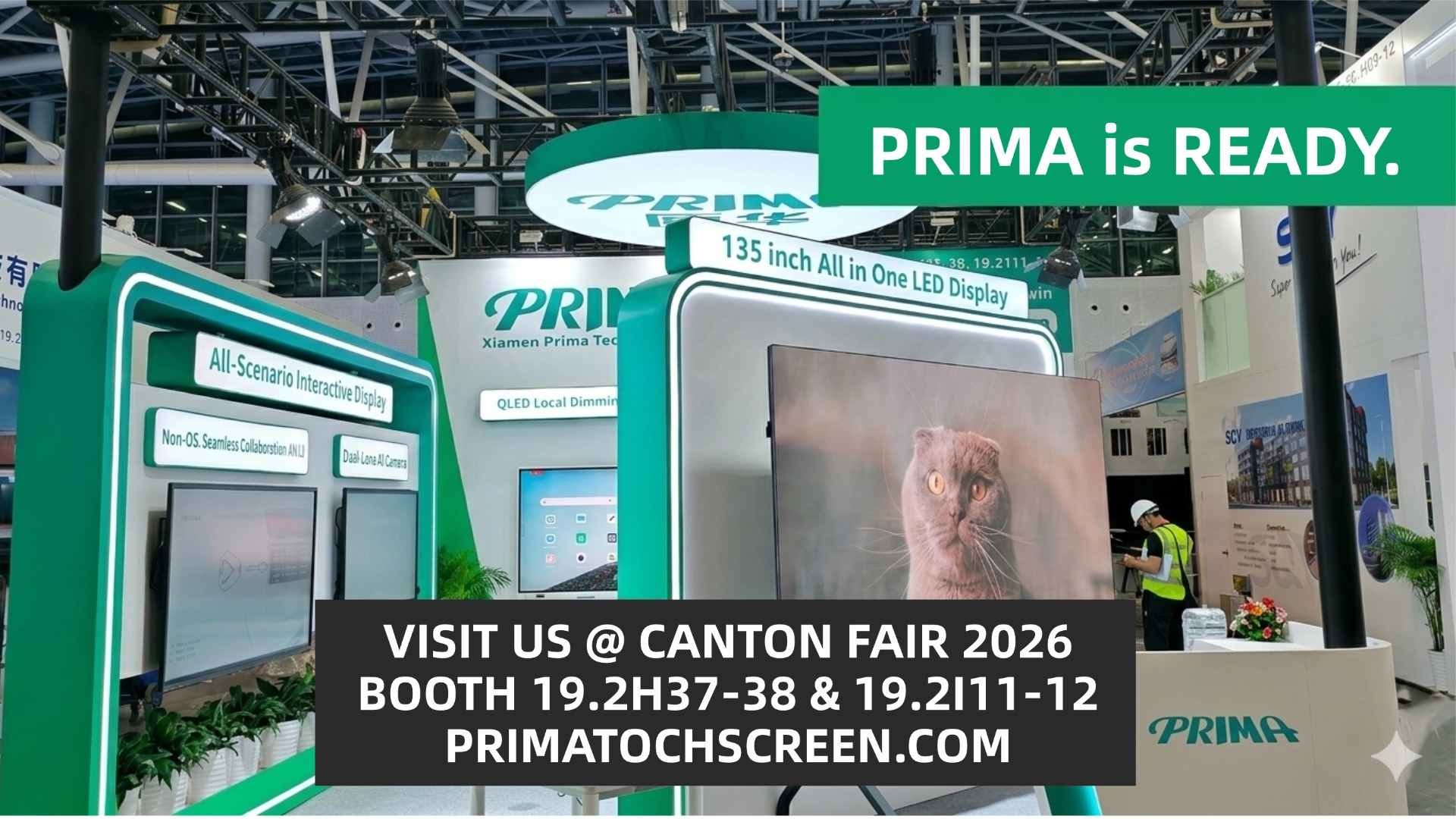
With only 24 hours to go until the grand opening of the Canton Fair 2026, Xiamen Prima Technology Inc. (PRIMA) is proud to unveil its fully completed exhibition space. This video offers an exclusive first look at our booth at the Pazhou Pavilion, now fully calibrated and ready to...
Read More
Witness the Fusion of Technology and Sustainability PRIMA is proud to return to the 139th Canton Fair with our most ambitious product roadmap to date. This video offers a first look at the breakthrough technologies we will be showcasing from April 15 to 19, 2026,...
Read More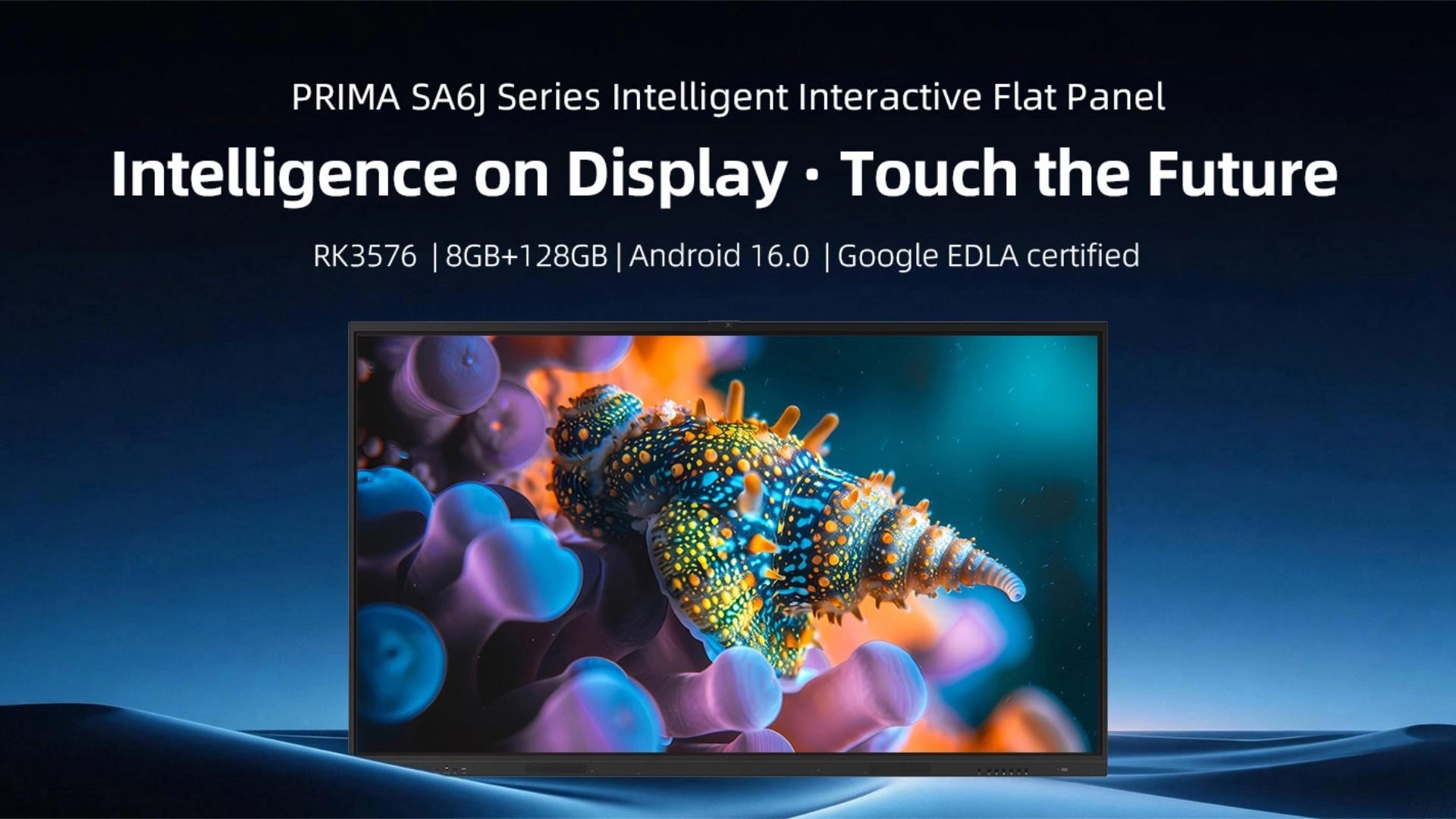
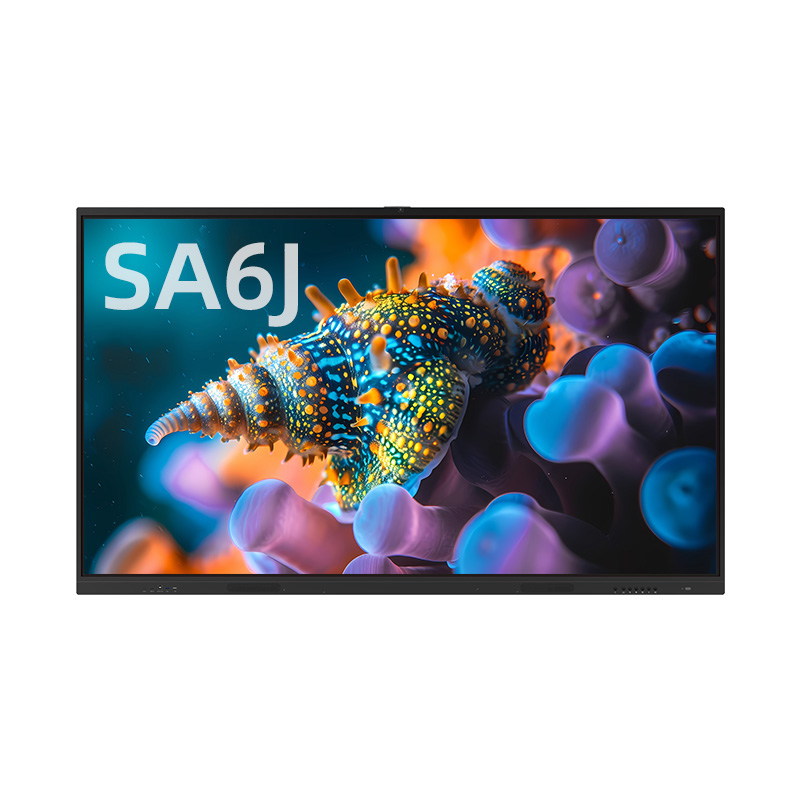
The PRIMA SA6J Series is a high-performance Interactive Flat Panel (IFP) designed to meet the evolving demands of modern education and corporate environments. By integrating cutting-edge hardware with a secure software ecosystem, the SA6J series sets a new benchmark for cost-ef...
Read More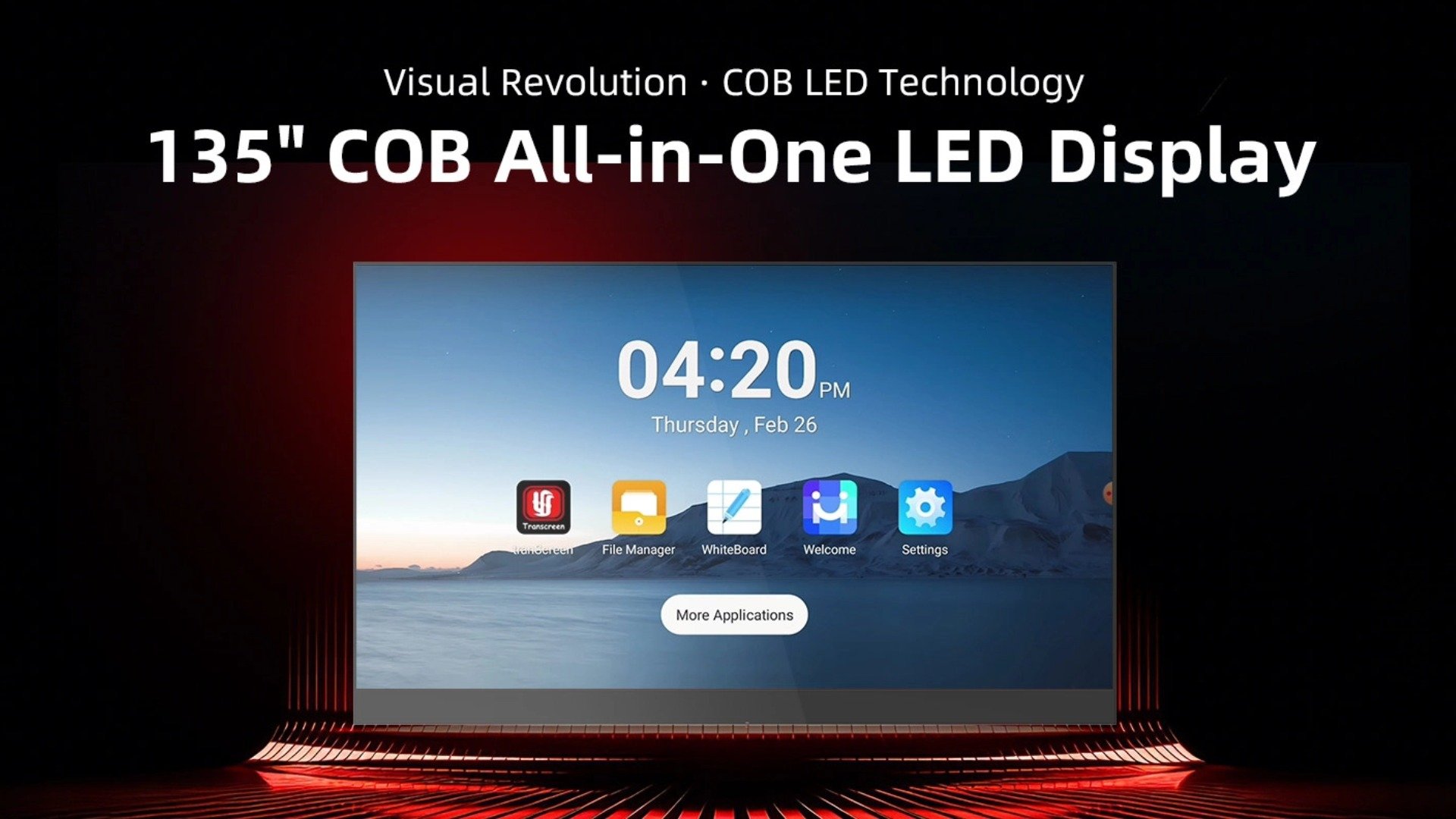
The PRIMA 135-inch COB All-in-One LED Display combines powerful performance, responsive touch interaction, and stunning direct-view LED visuals in one intelligent system. Designed for exhibitions, command centers, conference rooms, and classrooms, it delivers a la...
Read More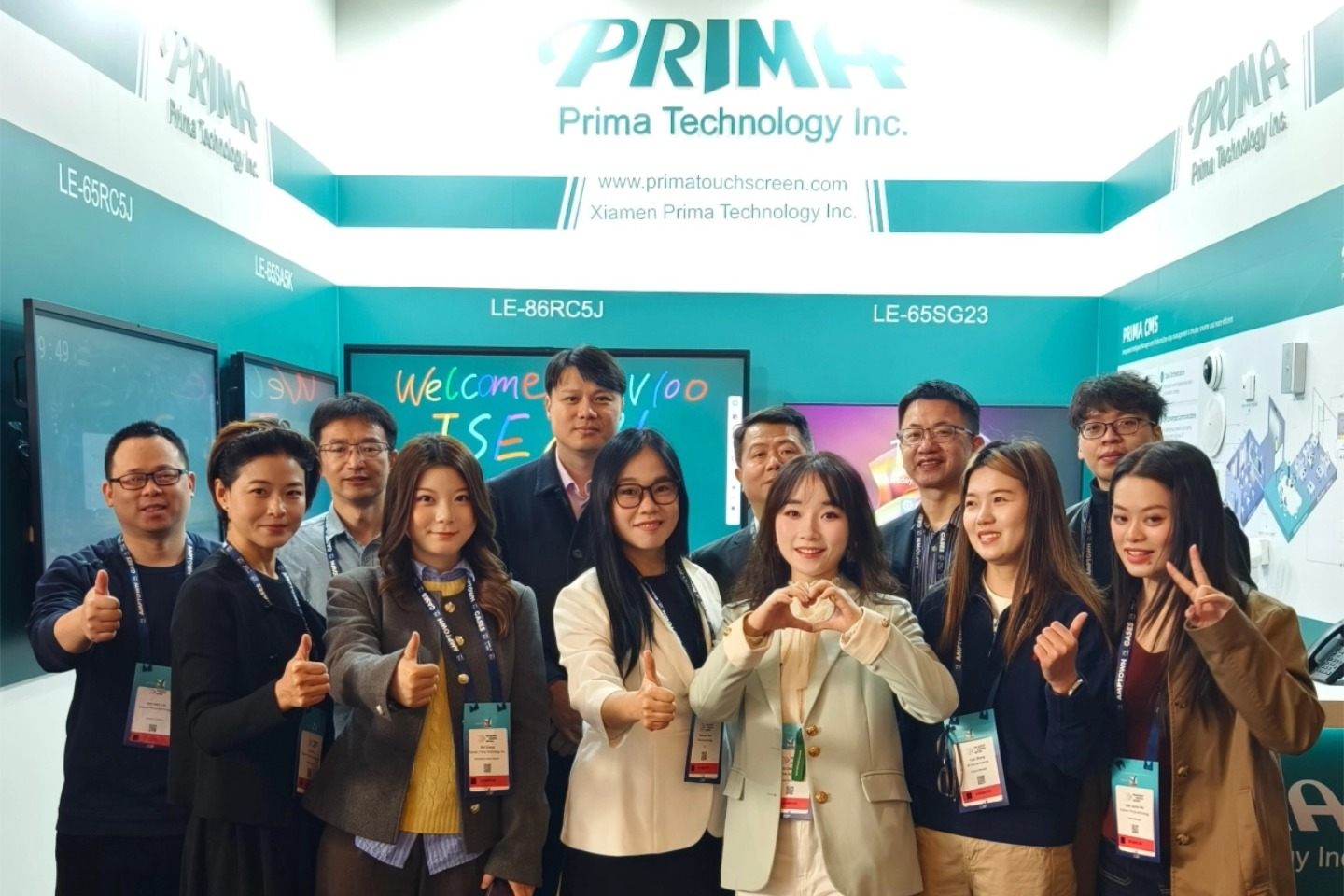
As ISE 2026 in Barcelona draws to a successful close, we are proud to share a visual journey of our latest innovations. Throughout the exhibition, PRIMA demonstrated its leadership as a Commercial Display Manufacturer by bridging the gap between high-performance hardware and in...
Read More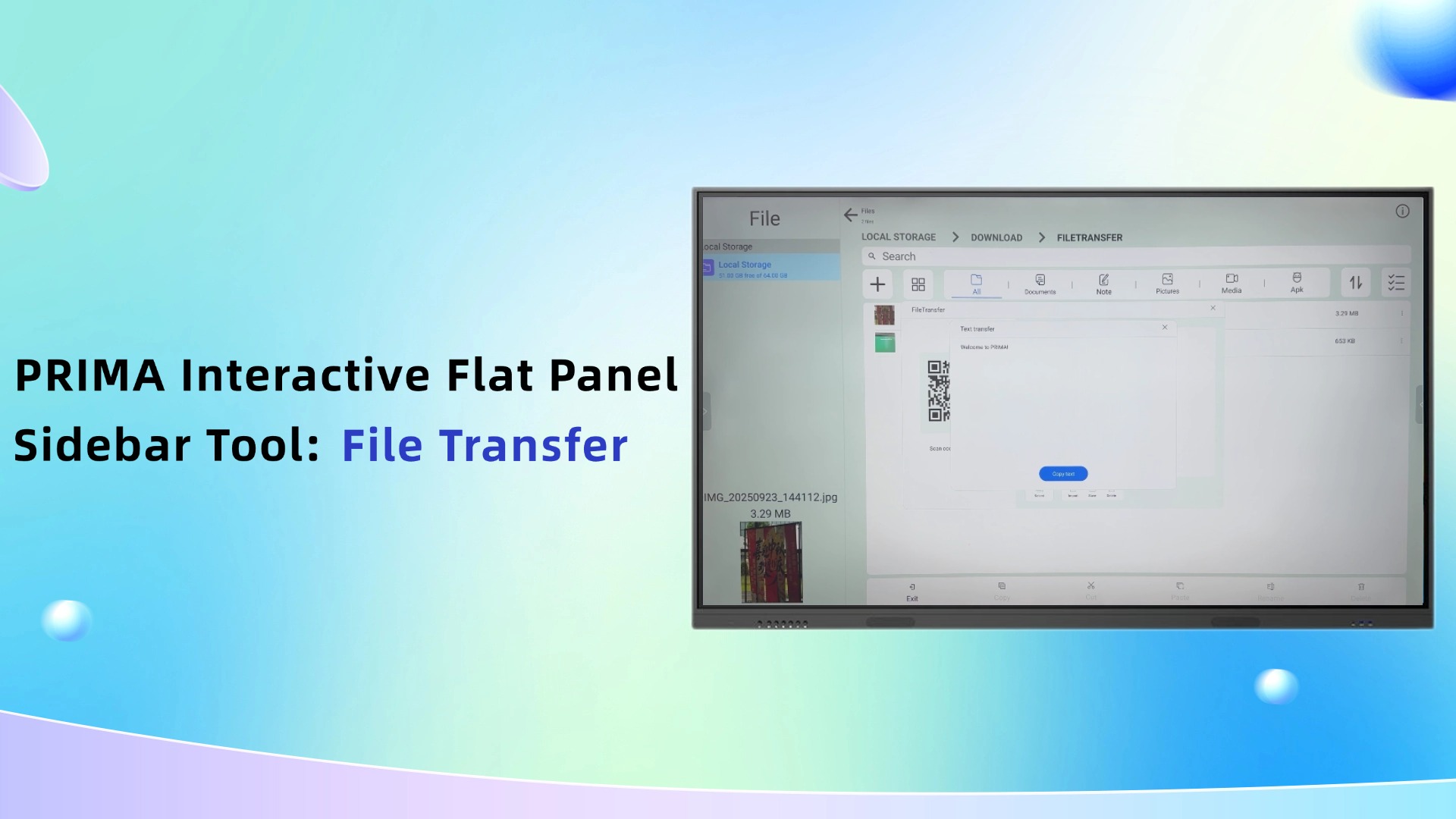
Tired of cable clutter and slow file transfers? The PRIMA Interactive Flat Panel (IFP) Sidebar makes seamless sharing a reality. Why Choose PRIMA Interactive Flat Panel for Your Meeting Room? Instant QR Connectivity: No USBs needed. Generate a secure QR code and connect your mobile device t...
Read More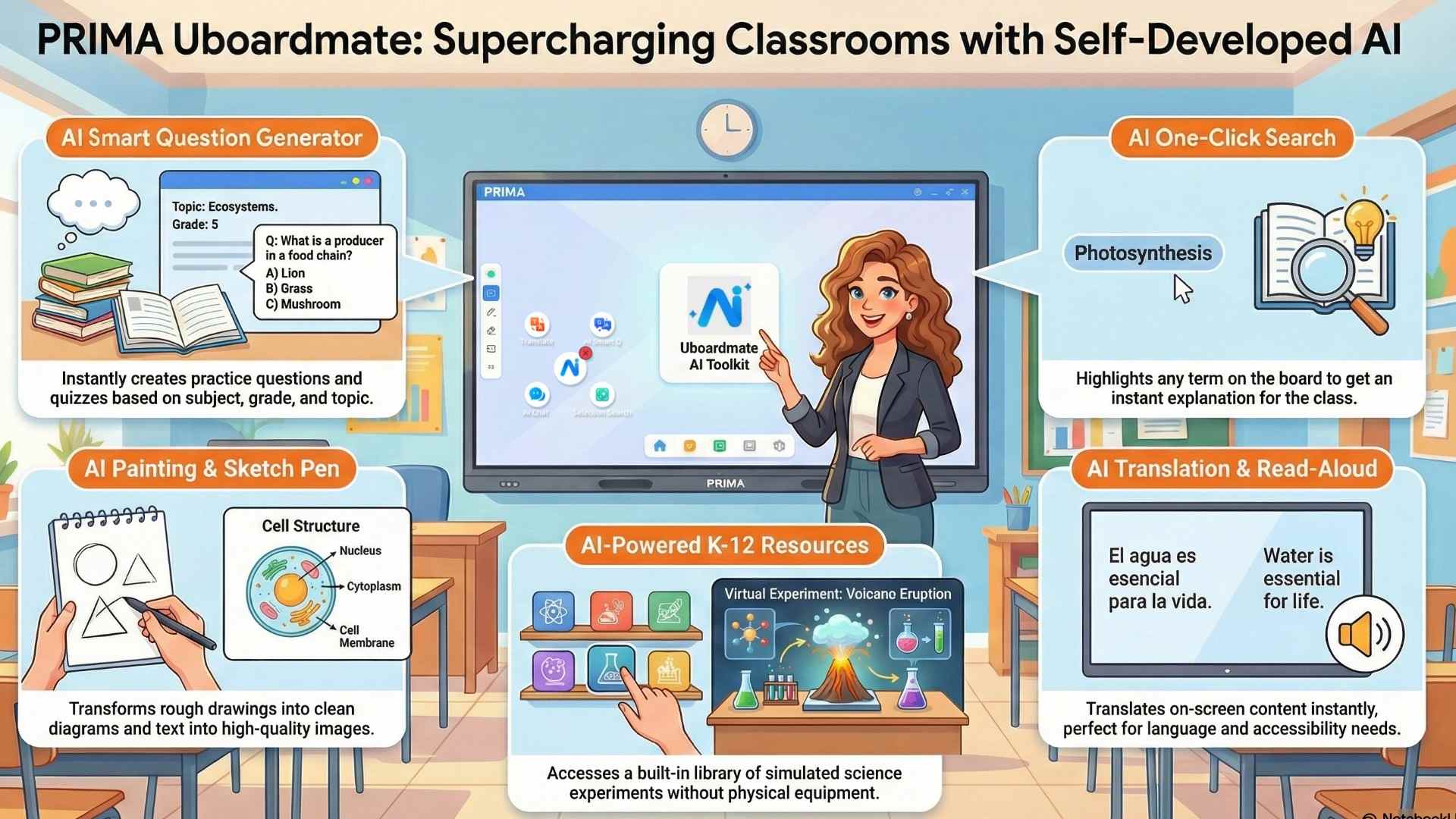
PRIMA is redefining the modern classroom by seamlessly blending high-performance hardware with our advanced, self-developed software, Uboardmate CC. This synergy ensures that our Interactive Flat Panels (IFP) are not just displays, but intelligent teaching hubs...
Read More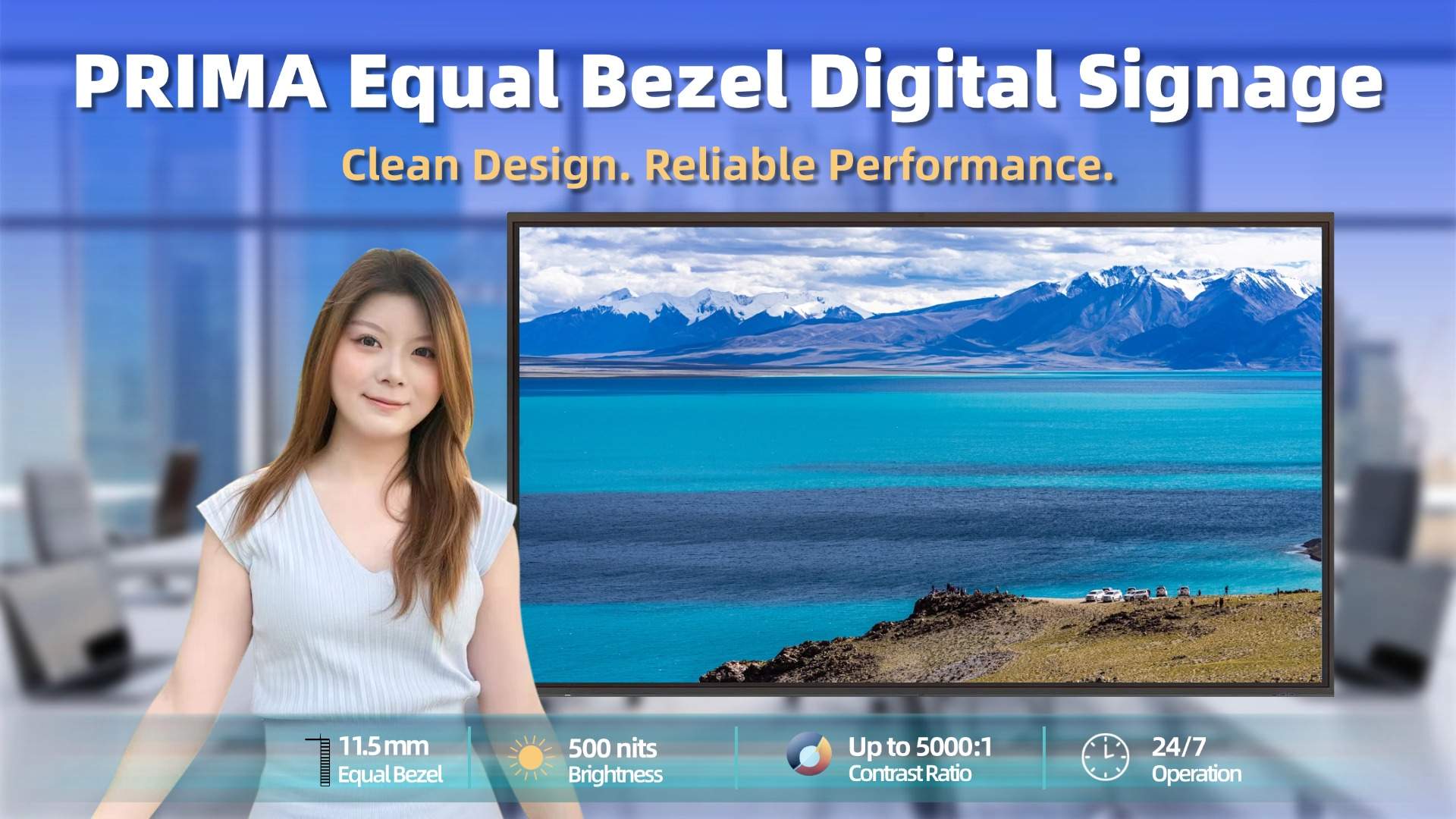
PRIMA Equal Bezel Digital Signage is designed for professional commercial environments where stable performance and consistent visual presentation are essential. With a uniform 11.5 mm bezel on all sides, it delivers a clean and balanced appearance as a standalone...
Read More

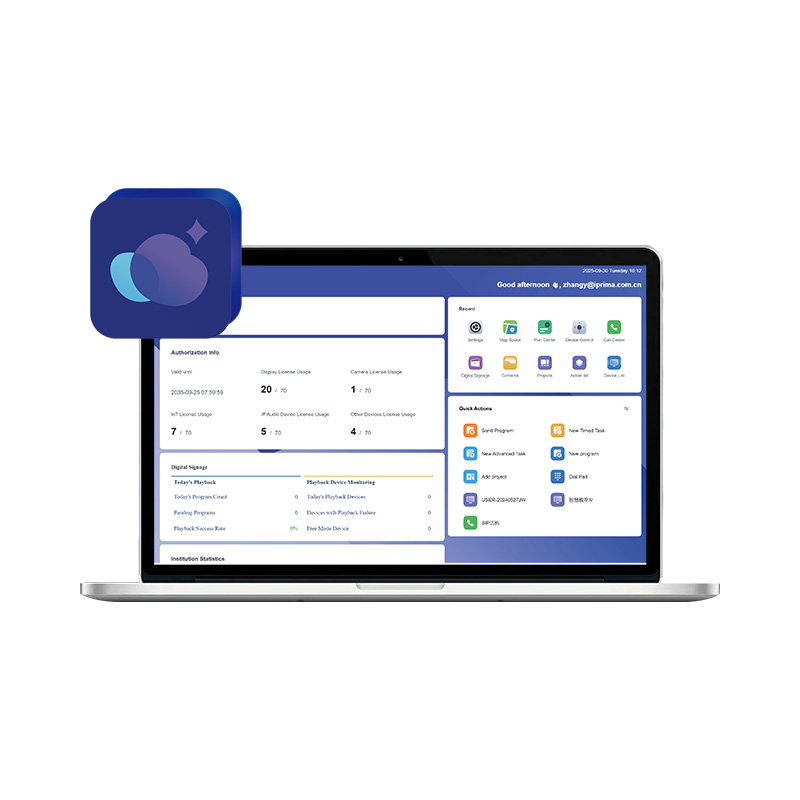
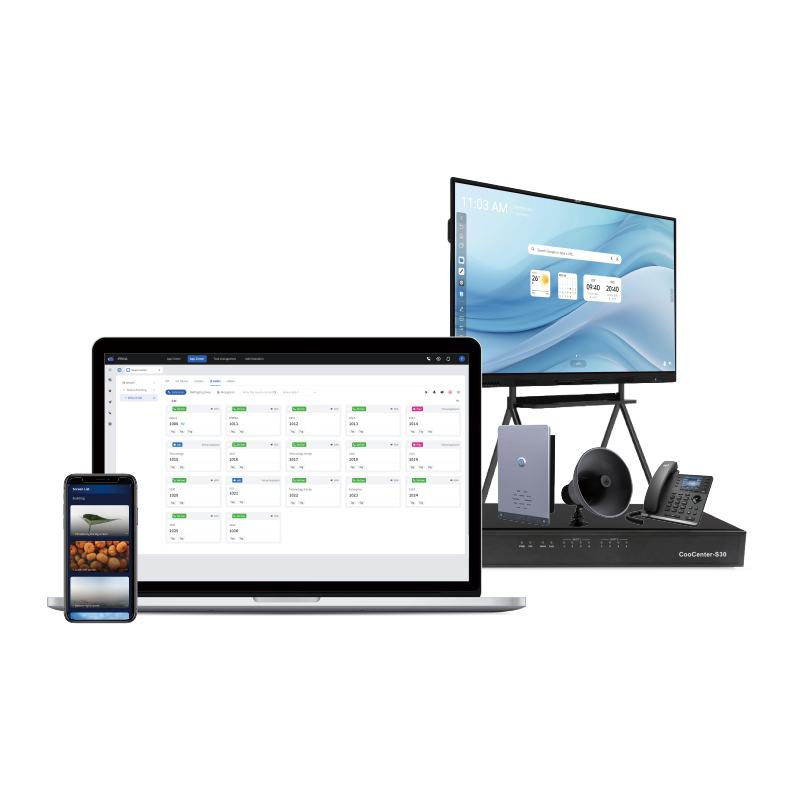
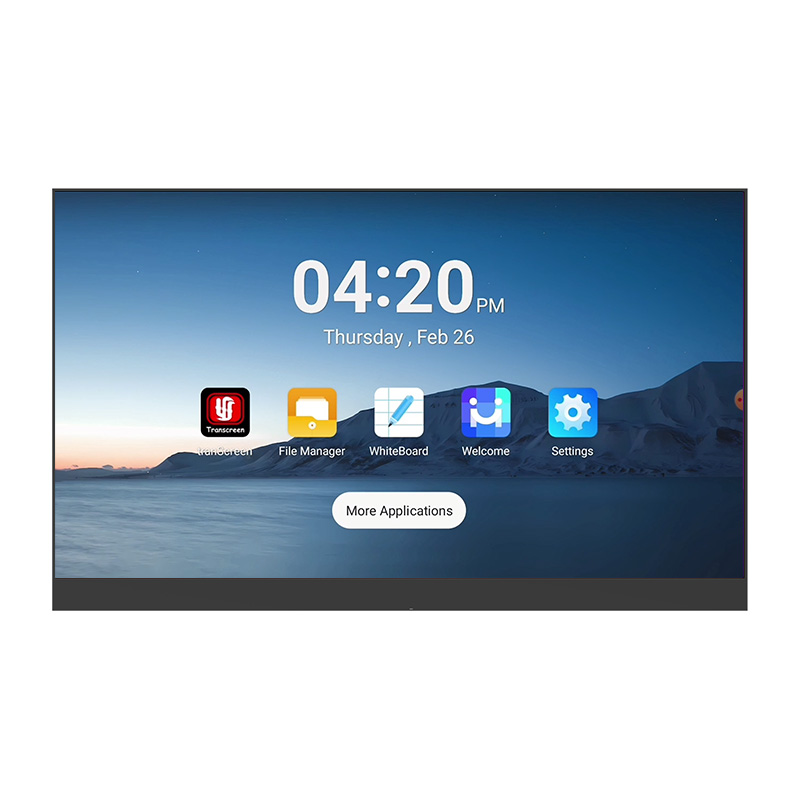



 IPv6 network supported