What Are You Looking For?
 Web
Web
 Web
Web
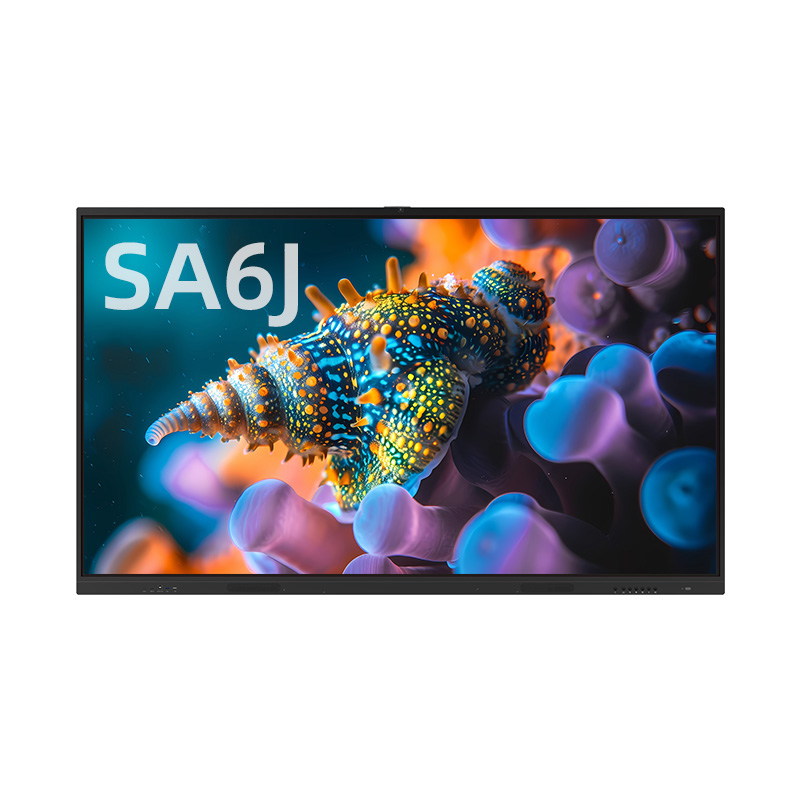
Discover how the Broadcasting Mode on the PRIMA All-in-One Interactive Flat Panel creates a connected, efficient, and immersive learning environment.
In a modern classroom, communication is more than teaching — it’s about staying synchronized.
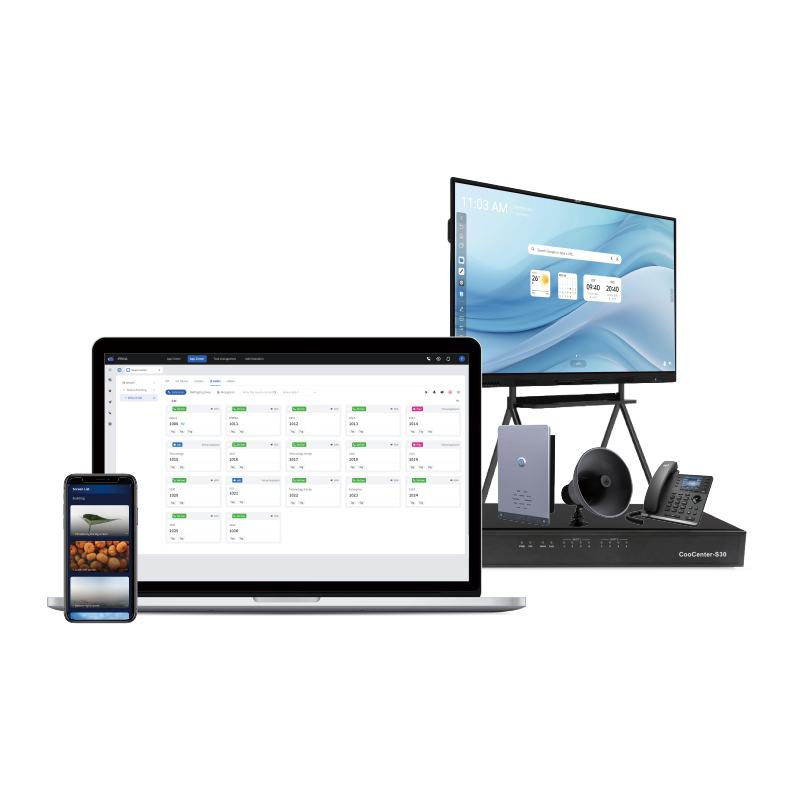
With Broadcasting Mode, teachers can mirror every action on one display across all connected screens instantly. From writing on the whiteboard to playing multimedia files, everything stays perfectly in sync, ensuring that every student follows the lesson effortlessly.
The flexible layout design allows teachers to display multiple types of content at once — from images and PowerPoint slides to Word documents and videos — all within one screen. Each section can be resized, moved, or closed independently, offering complete freedom and control in lesson delivery.
💡 Highlight Features:
🔹 Real-time screen broadcasting across multiple IFPs
🔹 Multi-window layout for diverse teaching materials
🔹 Independent annotation and whiteboard tools in each window
🔹 Seamless integration for dynamic, interactive lessons
With PRIMA’s All-in-One Interactive Flat Panel, teaching becomes more fluid, visual, and collaborative — connecting every idea, every moment, across every screen.





 IPv6 network supported