What Are You Looking For?
 Web
Web
 Web
Web
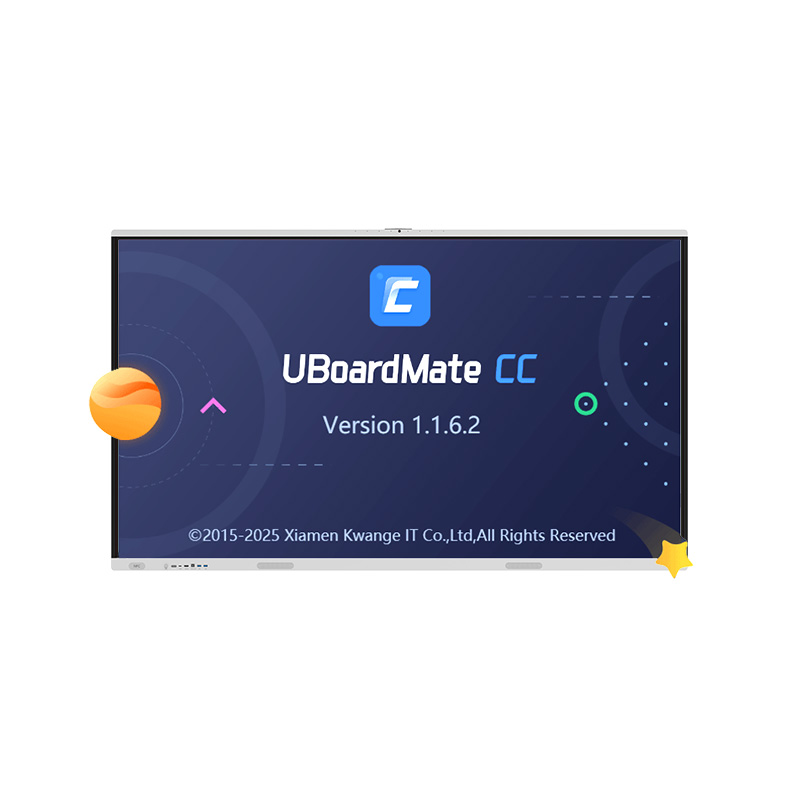
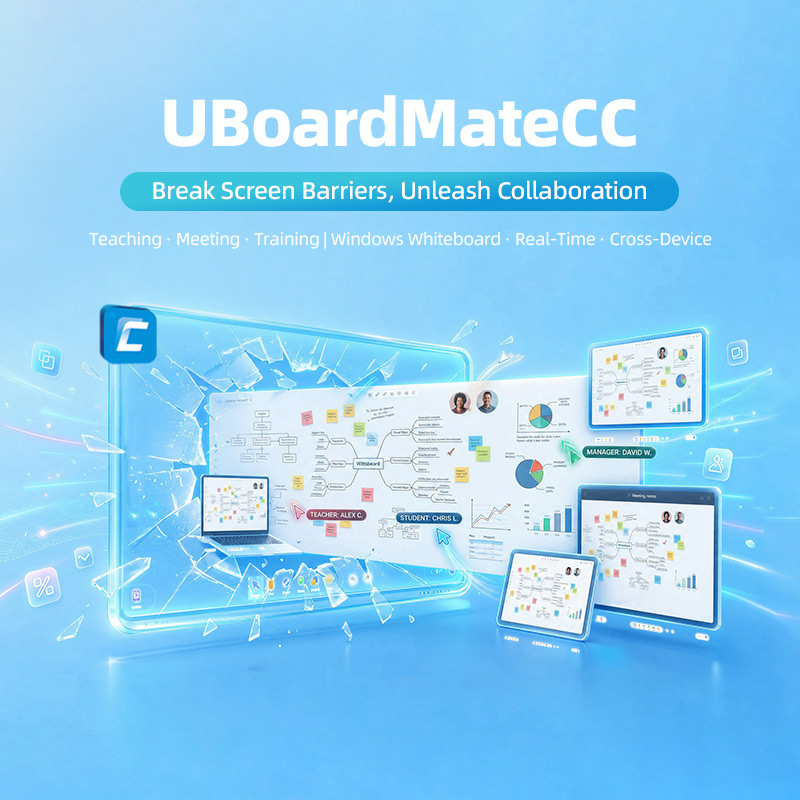


PRIMA UBoardMate CC is a high-performance interactive whiteboard and smart collaboration software specifically tailored for interactive flat panels and Windows-based client terminals. Featuring a robust local client architecture paired with cloud account synchronization and cloud storage services, the software breaks traditional screen barriers to ensure seamless, automatic synchronization of teaching materials and resources across devices. It integrates smooth handwriting recognition, comprehensive toolboxes for teaching and meetings, rich subject-specific resources, and powerful AI-assisted tools (such as AI chat, AI drawing, and AI lasso), alongside convenient mobile-to-screen integration. UBoardMate CC delivers a stable, feature-rich professional digital workspace designed for modern smart classrooms and corporate business meetings.
Product Origin :
ChinaOperating System :
WindowsService :
OEM / ODM
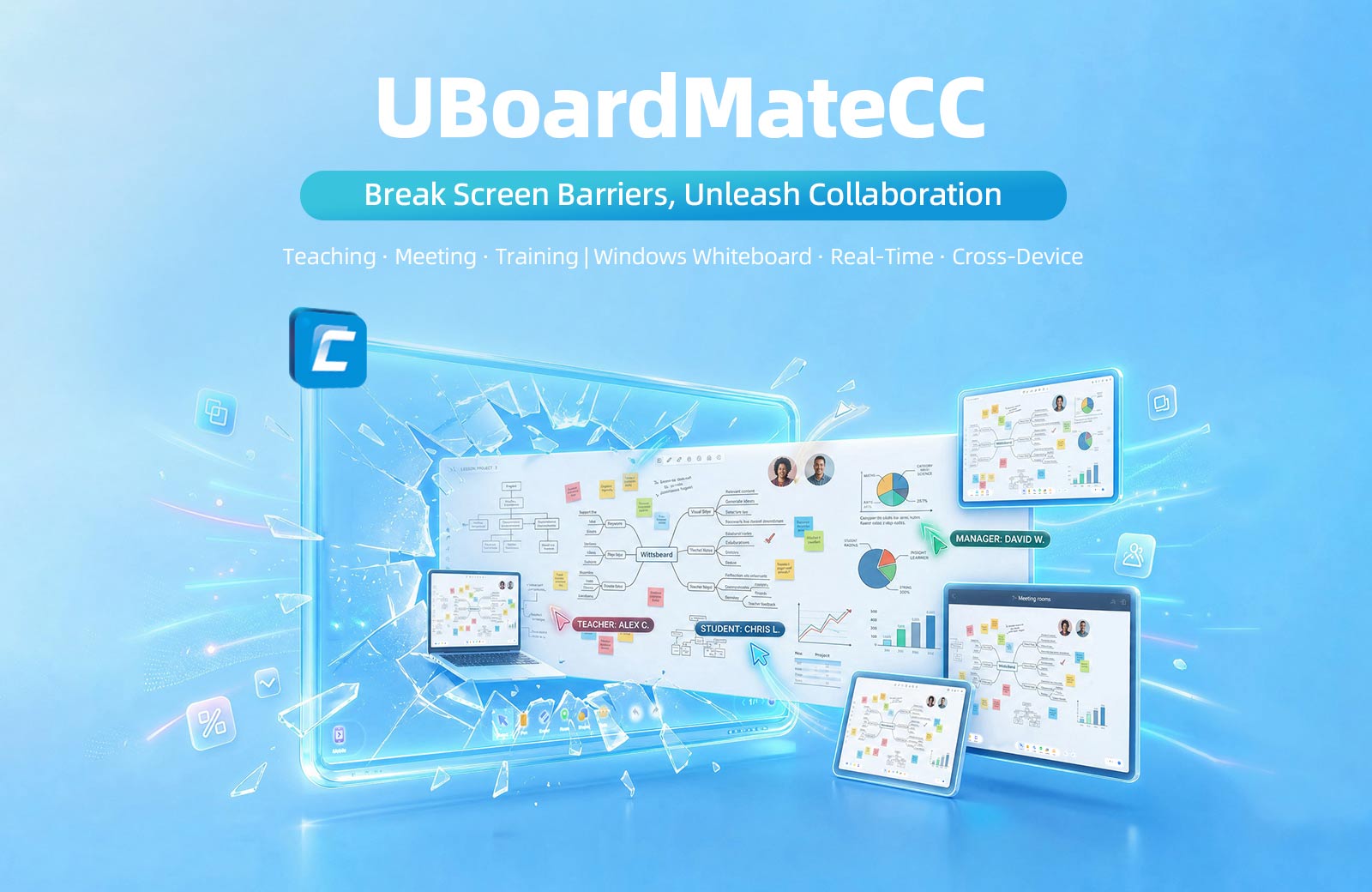
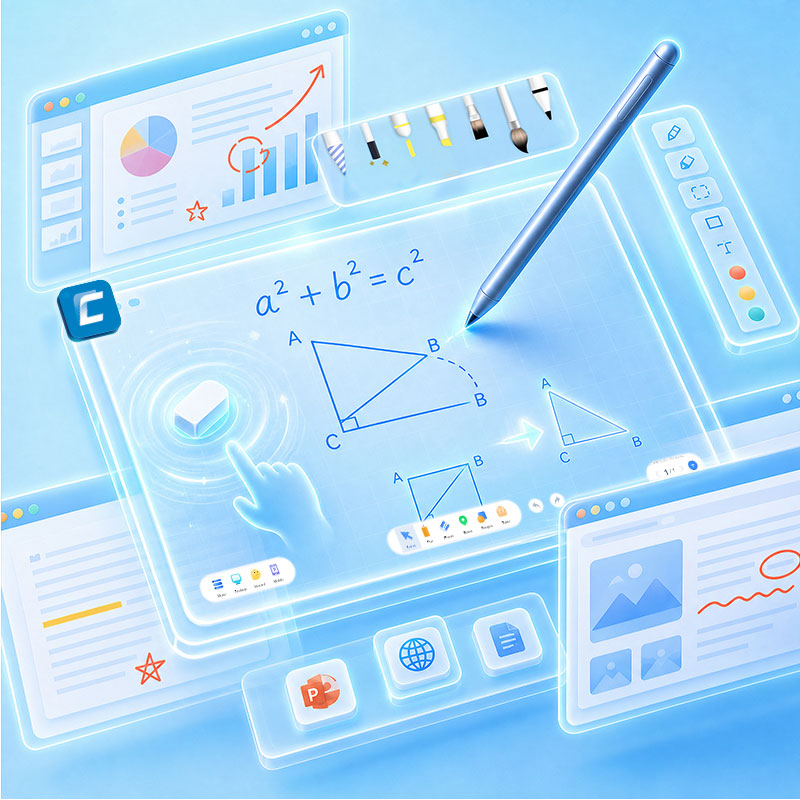
Smooth Writing, Effortless Expression
· Writing & erasing: Multiple pens and smart g estu re eraser; One-tap handwriting recognition for a natural blackboard experience.
· Desktop mode: Annotate directly on any interface - PPT, web pages, documents - without switching software. Smooth and uninterrupted presentation.
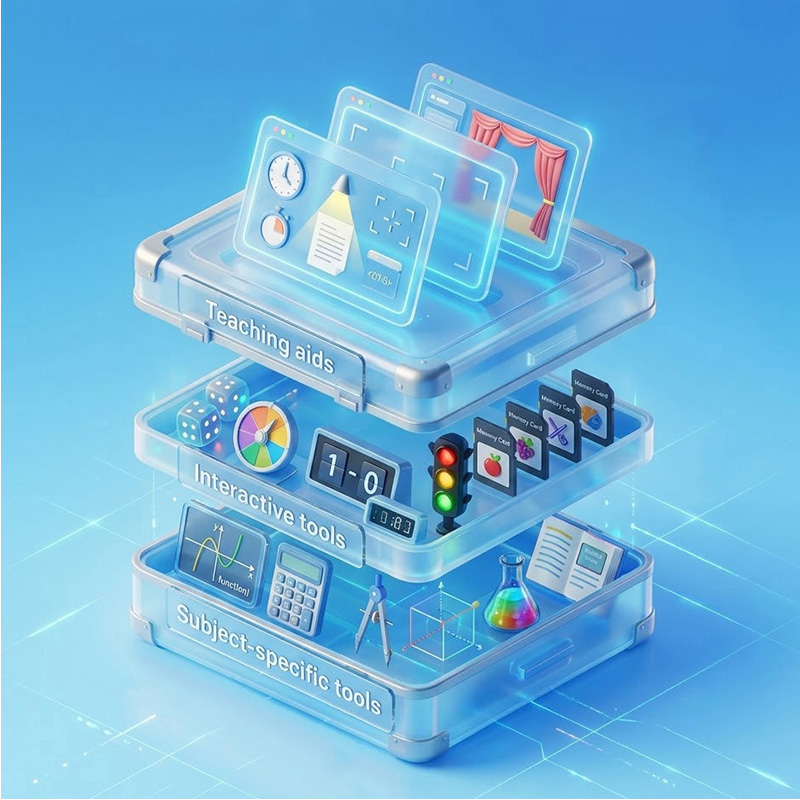
Toolbox, AII Tools at Your Fingertips
· Teaching aids: Timer, spotlight, screenshot, curtain, browse r, and more - for smooth classroom management and presentation.
· Interactive tools: Wheel, dice, scoreboa rd, memory cards, and more - to energize the classroom and boost participation.
· Subject-specific tools: Cover math, physics, chemistry, language, and more - from geometry plotting and function graphing to chemical equations and immersive reading, meeting diverse teaching needs.
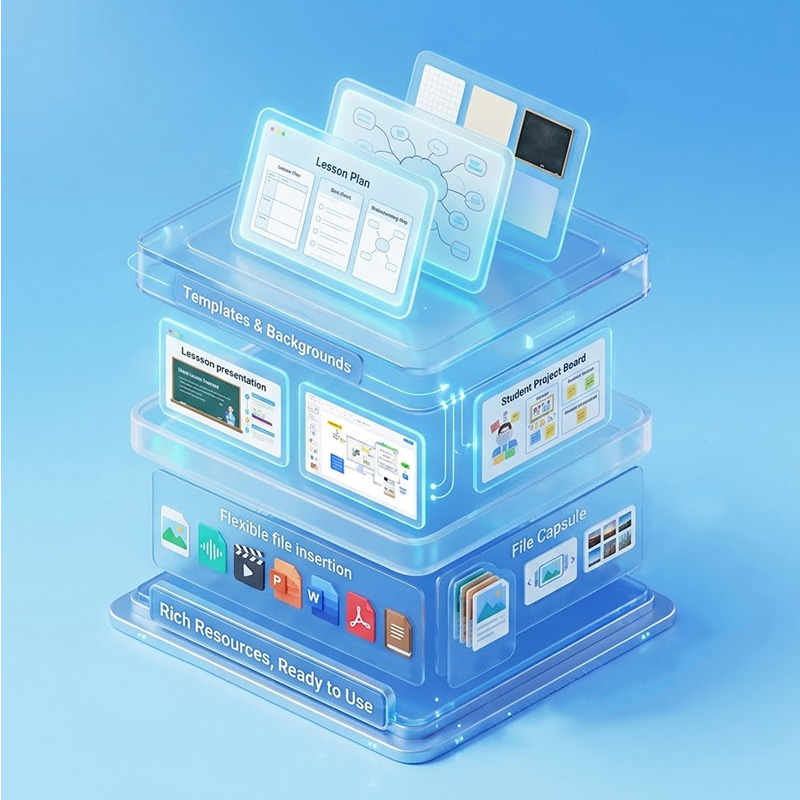
Rich Resources, Ready to Use
· Flexible file insertion: One-tap insertion of images, audio, video, PPT, Word, PDF, and more.
· File CapsuIe: The left-side FiIe Capsule stores frequently used files with carousel and photo wall display for quick access.
· Templates & backgrounds: Built-in teaching templates and canvas backgrounds for quick lesson setup.
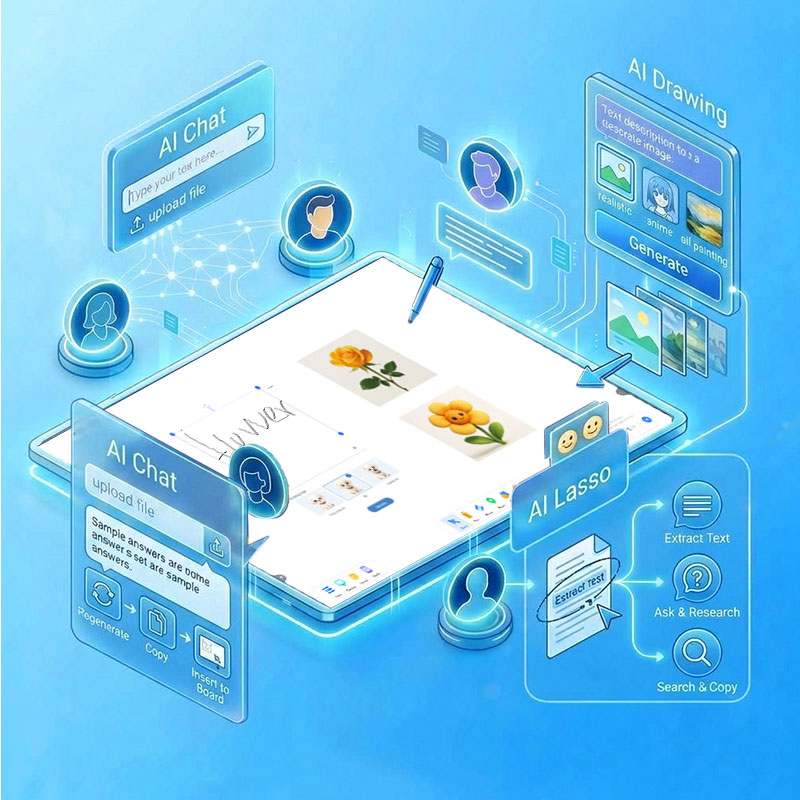
AI-Powered Assistance, Double the Efficiency
· AI Chat: Supports text questions and file uploads; answers can be regenerated, copied, or inserted intO the wh•teboard.
· AI Drawing: Gen erates images from text descriptions with multiple styles; results insert directly intO the canvas.
· AI Lasso: CirCle any text to instantly extract, chat, search, or copy - no app switching needed.
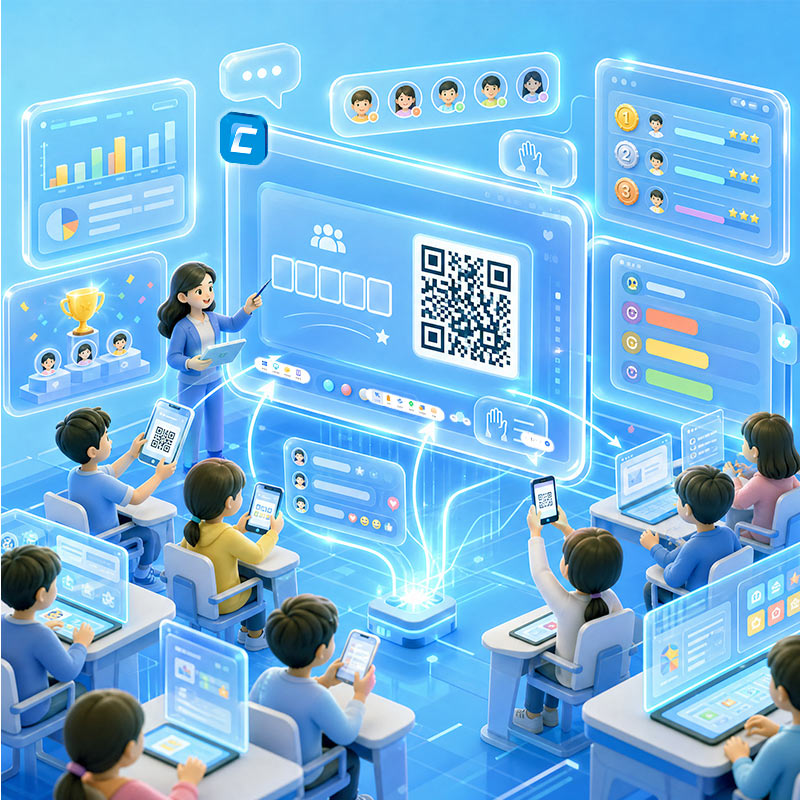
Classroom lnteraction, Engaging Learning
· lnteractive Classroom: Create classes and generate class codes; students join via QR code or class code .
· Diverse interactive activities: Polls, answer race, random picker, live comment, and more to boost engagement.
· Evaluation & Honor Roll: Real-time scoring and ranking to encourage participation.
· Real-time sync: Classroom data and interaction records sync instantly for full visibility of teaching progress.
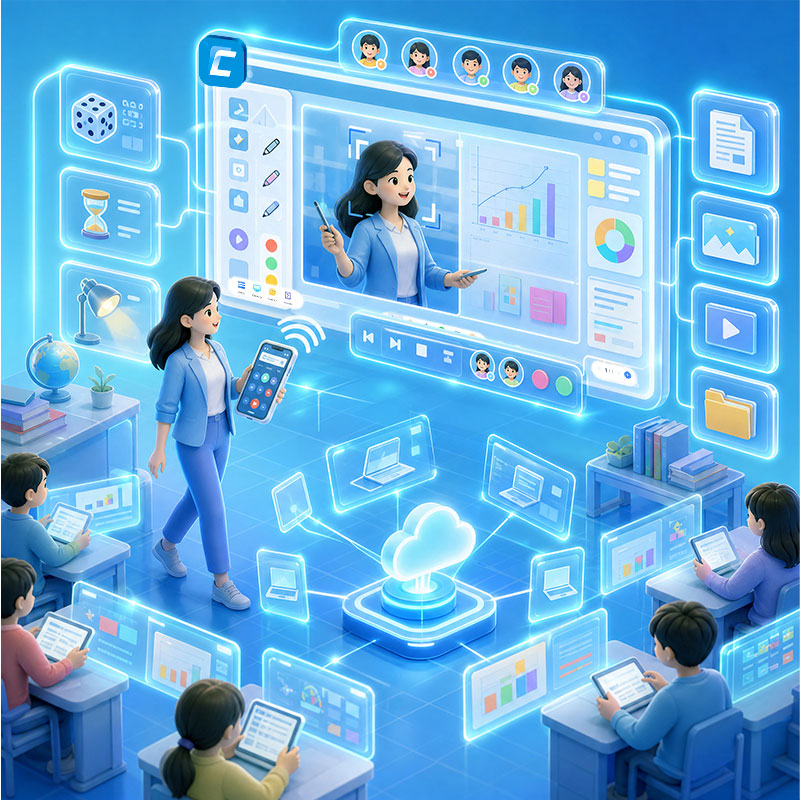
Mobile lntegration, Total Control
· Mobile Platform remote control: Control the whiteboard from your phone for mobile teaching.
· FiIe upload & live streaming: Upload photos and files; project your phone camera to the whiteboard in real time.
· Tool integration: Control dice, timer, spotlight, and other tools directly from your phone.
· Seamless cross-device: Log in With the same account, courseware and resources sync automatically across devices - pick up anytime, anywhere.
Key Service Advantages
 Manufacturing Expertise
 Full OEM / ODM Customization
 Flexible MOQ Options Available
 Global Certification Support
 Sample Units for Pre-Deployment Testing
 Dedicated Technical Support
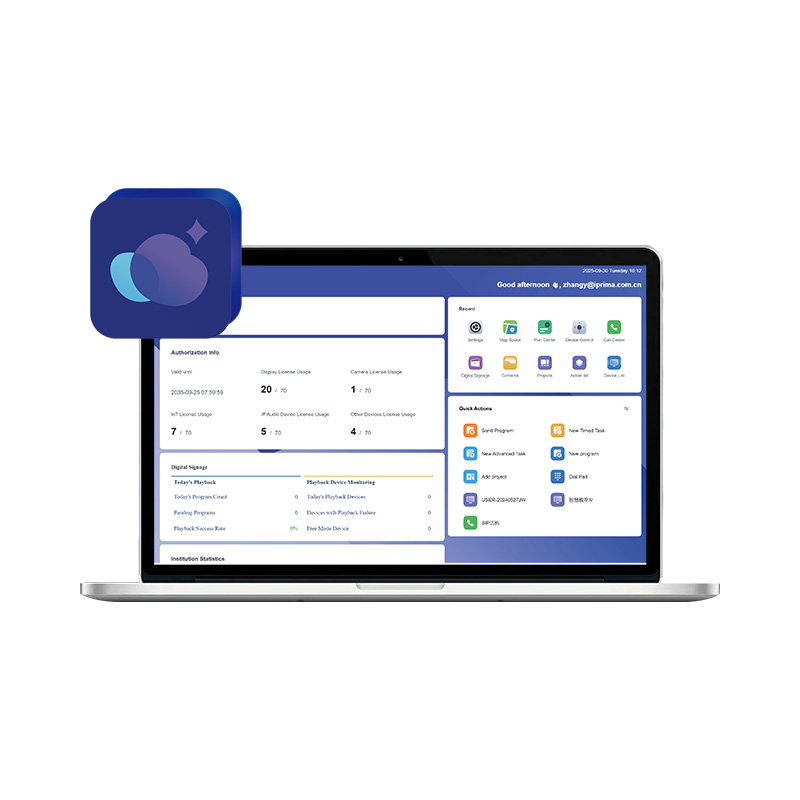
Discover PRIMA CMS, an advanced All-in-One Intelligent Management Platform designed for seamless digital signage, remote device control, task orchestration, and SIP converged communications. Ideal for intelligent retail, healthcare, classrooms, and exhibition halls, it streamlines multi-space operations from content creation to screen orchestration.
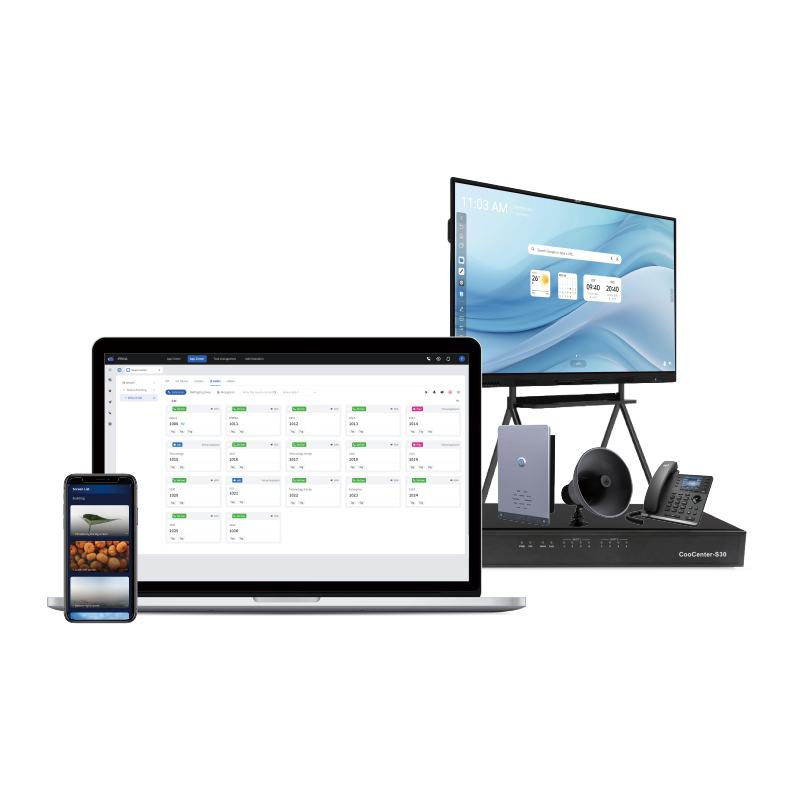
The Prima CMS is an all-scenario intelligent management platform supporting device management, information publishing, IP communications, task management. It helps organizations achieve full-lifecycle closed-loop management of devices and content from "access - control - automation - operation and maintenance". ♦ Device Management ♦ Task Orchestration ♦ Information Distribution ♦ SIP Converged Communications
PRIMA UBoardMate CC is a high-performance interactive whiteboard and smart collaboration software specifically tailored for interactive flat panels and Windows-based client terminals. Featuring a robust local client architecture paired with cloud account synchronization and cloud storage services, the software breaks traditional screen barriers to ensure seamless, automatic synchronization of teaching materials and resources across devices. It integrates smooth handwriting recognition, comprehensive toolboxes for teaching and meetings, rich subject-specific resources, and powerful AI-assisted tools (such as AI chat, AI drawing, and AI lasso), alongside convenient mobile-to-screen integration. UBoardMate CC delivers a stable, feature-rich professional digital workspace designed for modern smart classrooms and corporate business meetings.
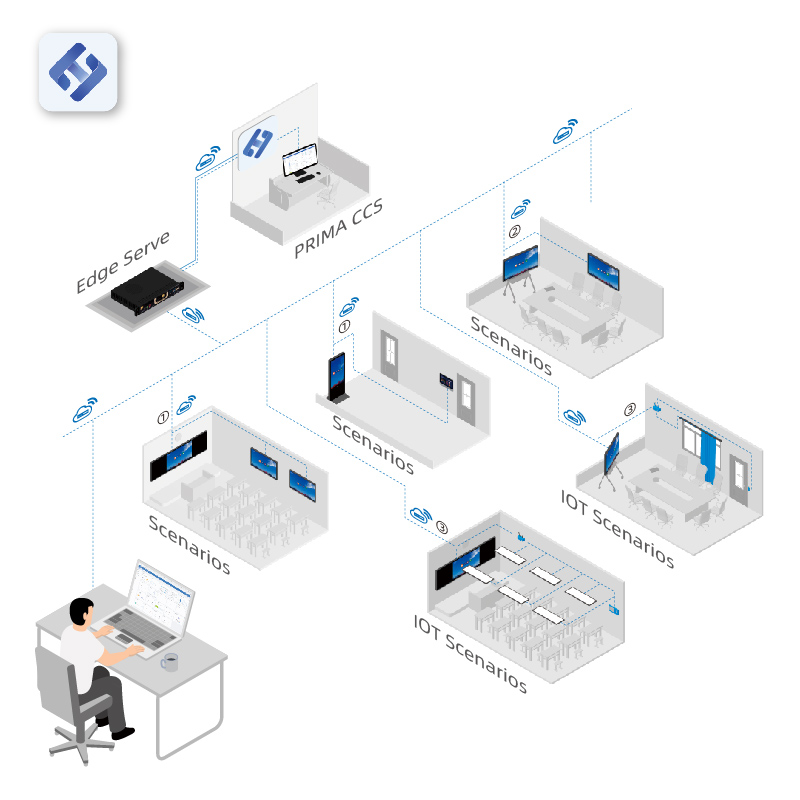
PRIMA CMS is a centralized management software, a device collaborative operation and maintenance platform, that functionality can be implemented quickly, such as device management, IoT management, information release etc. Widely used in schools, banks, hospitals, hotels etc., enabling customers to obtain richer and unique services, effectively improving marketing and service levels, enhancing brand image. ①:Device Management ②:Application Management ③:Information Release: ④:System Management
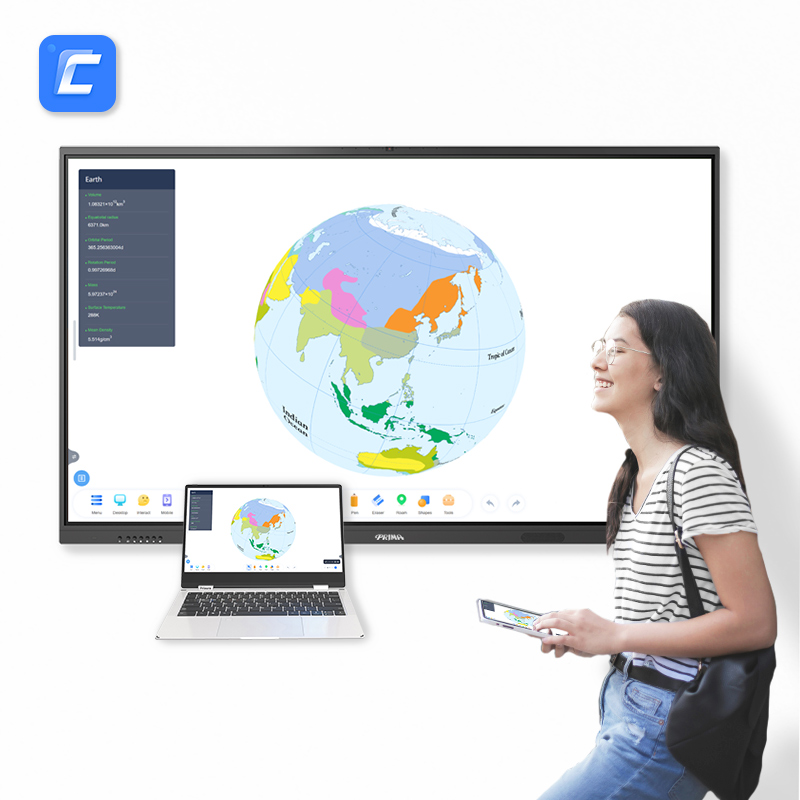
As a software and platform designed for information teaching, Uboardmate is independently developed by Prima. With a wide range of subject tools and teaching tools, which covering a wide range of subject categories, Uboardmate meet the needs of teachers and students in all grade and for all disciplines to start intelligent and interactive teaching. ①: Diverse Backgrounds ②: Element Windowing ③: Rich Tools ④: Cloud Synchronization ⑤: Personalized Interaction
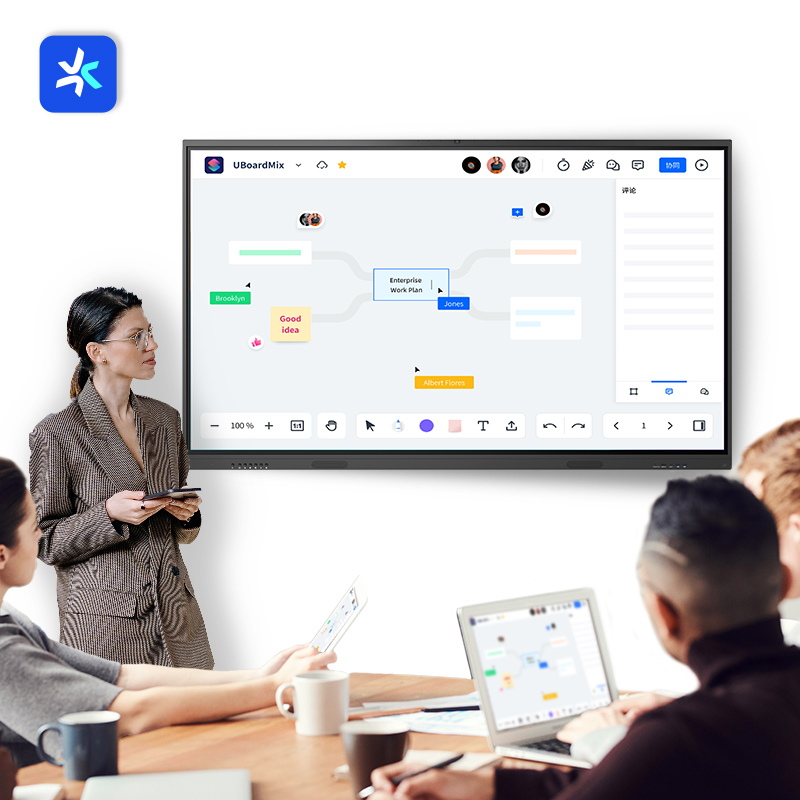
UBoardMix, developed by Xiamen Prima Technology Inc., is an online collaborative whiteboard that lets members in different places work together on the sameboard and collaborate on ideas. With UBoardMix, you can layout content, conduct online discussions, and optimize workflows and product plans. It can also be used as a virtual classroom, allowing educators to collaborate with colleaguesfor visual lesson preparation and class management, and students to collaborate withclassmates to complete and present group projects.
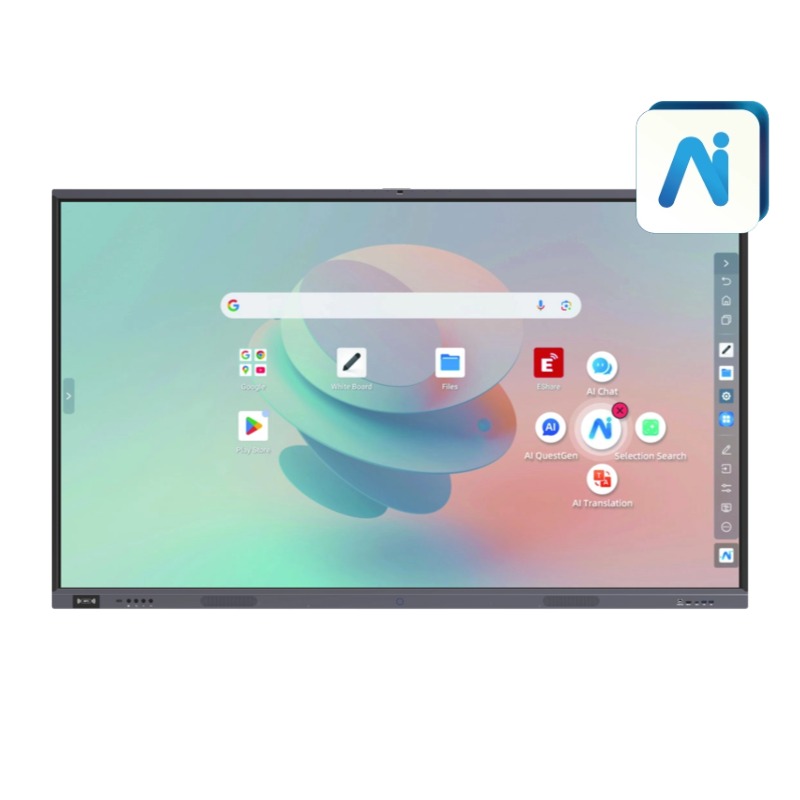
The PRIMA AI Enhanced Whiteboard is a revolutionary "One-stop Intelligent Collaboration Hub" designed to transform how we perceive, understand, and create content in real-time. By seamlessly integrating advanced AI features—including voice and handwriting recognition, real-time Q&A, and AI-driven drawing—it serves as the ultimate engine for dynamic interaction in both educational and professional settings. Whether you are generating complex teaching materials or streamlining business brainstorming, this software provides a barrier-free creative environment.
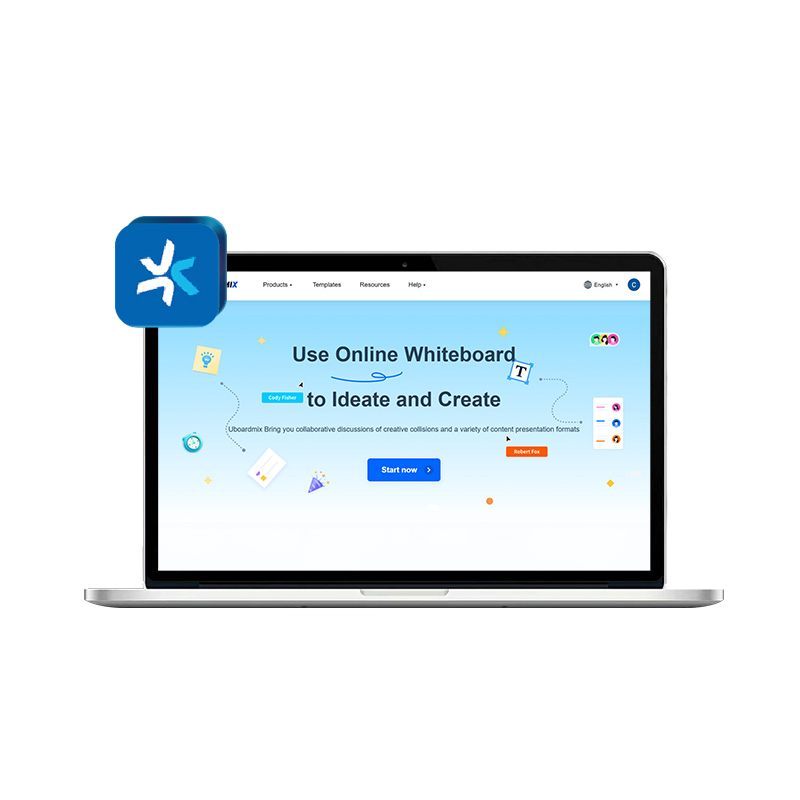
Boost team productivity with PRIMA UBoardMix, an all-in-one cloud-based collaboration platform for intelligent education and business meetings. Featuring millisecond-level real-time sync, infinite canvas, and rich creative tools, UBoardMix supports seamless cross-device interaction across Windows, macOS, iOS, and Android. Effortlessly manage lesson planning, brainstorming, and project presentations with a consistent, secure, and intuitive experience.





 IPv6 network supported